How to Organize Your Music Production Workflow (2026 Guide)
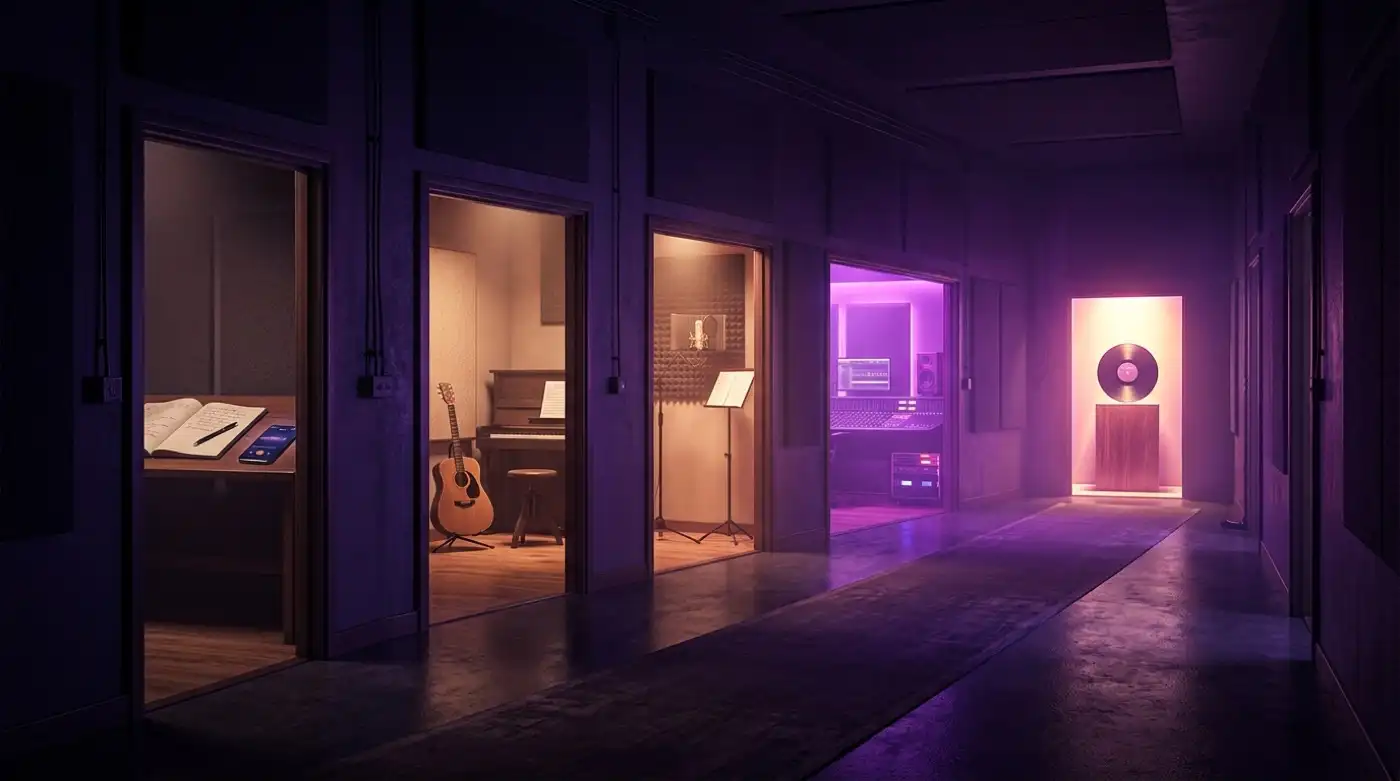
Most producers spend hours perfecting their signal chain and zero hours designing their workflow. The result: great-sounding music trapped in a chaotic process.
Your DAW is incredible at making sound. It is terrible at answering the questions that actually move projects forward: What needs to happen next? Who's working on what? Is the vocalist waiting on me, or am I waiting on them?
This guide is about the layer your DAW is missing — the workflow that turns scattered ideas into finished tracks.
The five stages every track passes through
Before you can organize your workflow, you need a shared vocabulary for where things stand. At Soundisiak, we use five stages that map to how music actually gets made:
| Stage | What it means | Who's involved |
|---|---|---|
| Concept | An idea, a rough demo, a voice memo at 3 AM | Just you (or the original creator) |
| Writing | Structure, arrangement, lyrics, fundamental decisions | Core creative team |
| Recording | Tracking instruments, vocals, stems | Artists, engineers, session musicians |
| Mix | Balancing, EQ, effects, spatial placement | Mixing engineer, producer |
| Complete | Mastered, delivered, ready for release | Label, distributor |
Every track in your project should have exactly one of these statuses at all times. No ambiguity. No "I think it's in mixing but I'm not sure."
Why most music workflows fail
Before fixing the workflow, understand why the default approach doesn't work.
The chat app black hole
Your band has a WhatsApp group, a Discord server, and a Slack that someone set up and nobody uses. Feedback lives in all three places. Files get shared as attachments that expire. The conversation about the bridge from three weeks ago is now 800 messages deep.
Chat apps are for conversation, not for tracking creative progress. Use them for "hey, listening now," not for "the bass at 1:12 needs +2 dB."
The folder graveyard
You have a project folder. Inside it: demos/, exports/, stems/, mixes/, mixes_from_marcus/, mixes_from_marcus_v2/. Every collaborator creates their own subfolder. Nobody knows which folder is authoritative.
Folders store files. They don't store decisions, status, or history.
The spreadsheet that nobody updates
Someone created a Google Sheet to track progress. It was updated twice. Now there are three different versions of the sheet, each with slightly different statuses for the same tracks. It's a snapshot of what was true three weeks ago.
The "just ask around" method
The most common workflow in music: someone DMs someone else and says "hey, what's happening with track 4?" That person DMs someone else. Eventually an answer emerges. This is not a workflow — it's archaeology.
Building a music workflow that actually works
A good music production workflow does three things:
- Shows status at a glance. Anyone on the team should be able to see where every track stands without asking.
- Flows in one direction. Concept → Writing → Recording → Mix → Complete. Tracks move forward. If a track moves backward (e.g., back to Recording after a Mix attempt), that's fine — but it should be a conscious decision, not an accident.
- Surfaces bottlenecks. If four tracks are stuck in "Recording" because the vocalist hasn't been available, the workflow should make that obvious so the team can act on it.
Step 1: Define your stages
The five stages above work for most teams, but customize them if needed. A label might add "Mastered" between Mix and Complete. A beatmaker might skip Recording entirely. The important thing is that everyone on the team agrees on what each stage means.
Step 2: Assign a single owner per track
Every track needs one person responsible for moving it to the next stage. That person doesn't do all the work — they make sure the work gets done. For a typical band:
- The songwriter owns Concept → Writing
- The producer owns Writing → Recording
- The engineer owns Recording → Mix
- The mixer owns Mix → Complete
Step 3: Centralize, don't scatter
Pick one place where status lives. One dashboard. One source of truth. When someone changes a track from Recording to Mix, that change should be visible to everyone instantly — not buried in a chat message that half the team won't see.
Step 4: Attach files to status changes
When a track moves to Mix, the stems should already be there. When it moves to Complete, the mastered file should be attached. The status should be backed by evidence — not just a label someone clicked.
Step 5: Automate what you can
Key and BPM detection, version numbering, format conversion — these are mechanical tasks that software should handle. Every minute you spend manually tagging files is a minute you're not making music.
How different roles benefit from workflow management
For solo producers
You're the only one in the project. Workflow management still matters — it's how you know which of your 12 WIPs is closest to done, which one needs a bass line, and which one you haven't touched in three weeks. It turns "I should work on something" into "track 4 is in Writing — let me finish that arrangement."
For bands
Your guitarist works weekends, your vocalist works nights, and your drummer lives in a different time zone. A shared workflow is the difference between "I didn't know you were waiting on me" and "the instrumental is ready for vocals — I see it on the board."
For labels managing multiple artists
You might have 50 tracks across 8 artists. Without workflow management, you're managing by memory and DM. With it, you open a dashboard and see exactly which tracks are approaching Complete, which artists need follow-up, and where the bottlenecks are across your roster.
For mixing and mastering engineers
Your clients send you tracks at random intervals with varying levels of completeness. Workflow management means you can see at a glance what's ready for your stage and what's still being recorded — so you don't start mixing a track whose stems aren't final.
Tools for music production workflow management
| Tool type | Examples | Best for | Limitation |
|---|---|---|---|
| General project management | Trello, Notion, Asana | Basic kanban boards, checklists | No audio playback, no versioning, not music-specific |
| File sharing + chat | Dropbox, Google Drive, Slack | Storing and sending files | No workflow tracking, no status, files and process are separate |
| DAW built-in tools | Ableton notes, Logic project alternatives | Quick per-project notes | Not designed for multi-track projects or multi-person teams |
| Music-specific workflow platforms | Soundisiak Studio | End-to-end workflow with audio playback, version control, per-track roles | Purpose-built, so it requires adopting a new tool |
The key insight: general tools separate the music from the process. You have files in one place, status in another, and communication in a third. Music production workflow software brings all three together — you see the status, hear the audio, and leave feedback all in the same view.
How Soundisiak Studio handles workflow
Soundisiak organizes work into workspaces (your band, label, or project), projects (albums, EPs, singles), and tracks (individual songs). Each track moves through the five production stages, with:
- Visual status visible to every collaborator — no asking around
- Per-track roles — your vocalist sees their tracks, the label sees the overview
- Version history attached to each stage — hear how the track evolved from Concept to Complete
- Auto-tagging of key and BPM on every upload, so you're not manually cataloguing
- Bits — a scratchpad for ideas that aren't ready to be tracks yet
If you're weighing options, our PiBox alternative article compares how different platforms handle project organization and team roles.
Five workflow habits that pay off immediately
- Update status before you close your DAW. It takes five seconds. It saves your collaborators hours of wondering.
- Review your full project board once a week. Not to micromanage — to spot tracks that haven't moved. A track stuck in Writing for three weeks probably needs help, not time.
- Upload stems when you move to Mix. Don't wait for the engineer to ask. Attach them when you change the status.
- Keep Bits separate from tracks. That 3 AM voice memo isn't a track yet — don't clutter your main board with it. Promote bits to tracks only when they're ready.
- One source of truth. If status lives in a tool, don't also maintain it in a spreadsheet. Duplicate systems drift, and drift causes confusion.
Your DAW handles the sound. Soundisiak handles the process. Start a free workspace and see where every track stands.