Music Collaboration Platform: It's Not Just File Sharing Anymore
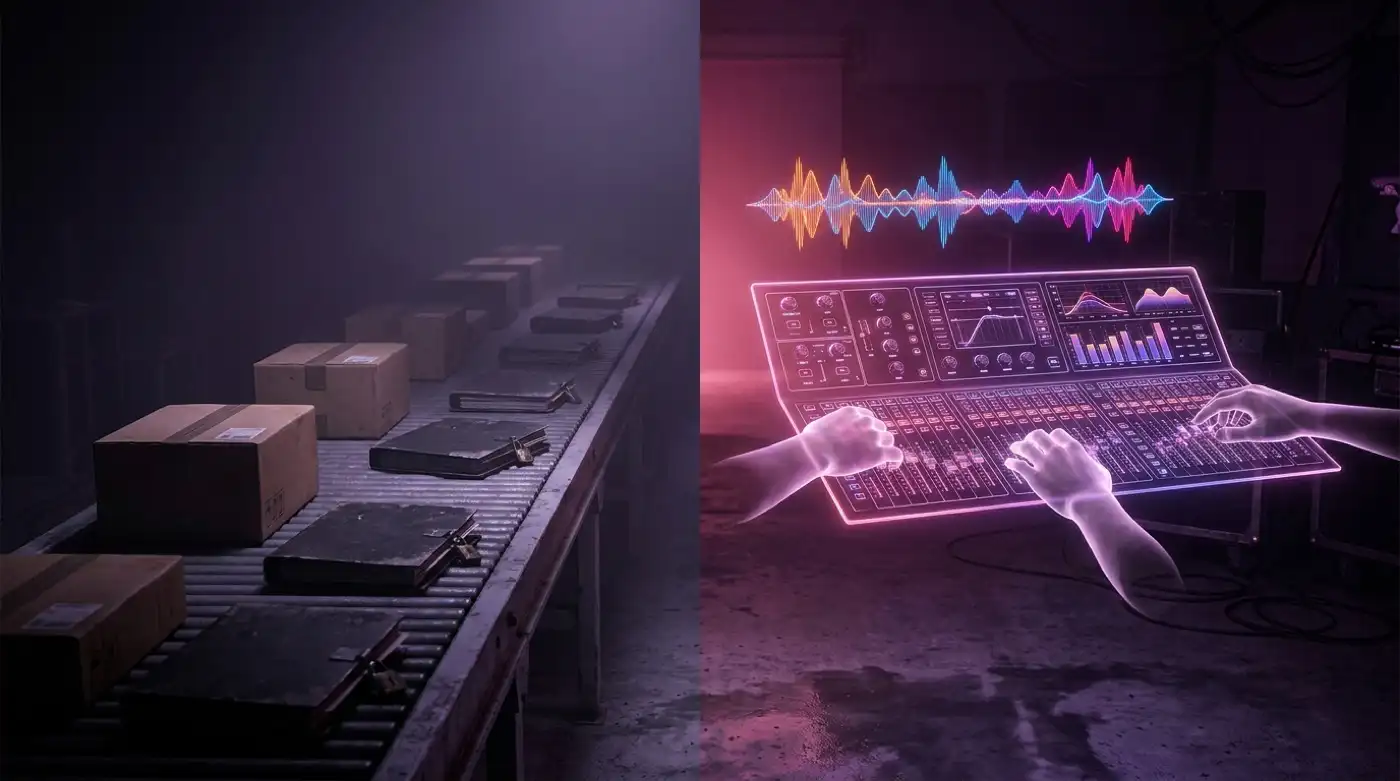
The term "music collaboration platform" gets thrown at a lot of products. Dropbox with a waveform preview. Google Drive with a comments sidebar. WeTransfer with a "team" plan.
But sharing files isn't collaborating — any more than emailing a Word document is "co-authoring a novel."
A real music production collaboration software does three things that file-sharing tools can't: it knows who's doing what, it shows you where things stand without asking, and it lets the right people touch the right tracks without seeing everything else. Here's what that looks like in practice.
The file-sharing trap
Every producer has been here. You finish a mix. You upload it to Drive, Dropbox, or WeTransfer. You send the link to your vocalist. You wait.
Three days later, you follow up. "Did you listen?" They did — they just didn't have time to download a 2 GB multitrack, open their DAW, and record over it. The file is sitting in their Downloads folder next to a PDF of their electricity bill.
The problem isn't the file. It's the friction.
Streaming changes everything. When your collaborator can hit play in their browser and hear the track in lossless quality in under a second, the barrier between "I got the link" and "I listened" collapses. No downloads. No DAW launch. No "I'll get to it later." They click, they hear, they respond.
This is the first thing a real music collaboration platform does that a file-sharing tool doesn't: it removes the friction between sending and listening.
Per-track access: the feature nobody talks about but everyone needs
Here's a scenario that happens every day in music:
You're producing an album. There are 12 tracks. You invite your vocalist to collaborate. They open the project and see everything — the half-finished demos, the embarrassing scratch takes, the track you ghost-wrote for another artist, the reference mixes you're not cleared to share.
File-sharing tools give you two modes: share a file, or share a folder. There is no "share part of the project with specific people."
A music collaboration platform lets you invite collaborators per track. Your vocalist sees tracks 3, 7, and 11 — because those are the ones with vocals. Your mixing engineer sees the tracks that are in Mix stage. Your label A&R sees a read-only view of tracks approaching Complete. Your bassist? Just the bass stems.
This isn't a nice-to-have. For labels managing multiple artists, or for any project with external collaborators, it's a security requirement. You don't want a featured artist's manager browsing your entire catalogue.
How a music collaboration platform actually works
A proper platform has four layers:
Layer 1: The workspace
This is your band, your label, your collective. It contains everyone — permanent team members, invited collaborators, and external viewers. Each person has a role: Owner, Admin, or Member. Roles determine what they can see and do.
Layer 2: The project
An album, an EP, a single. It groups related tracks together and gives them shared context — release date, artwork, notes.
Layer 3: The track
The atomic unit of collaboration. Each track has: - A production status (Concept → Writing → Recording → Mix → Complete) - A version history with auto-numbered iterations - A waveform with timestamped comments - Per-stem playback (hear the bass isolated, the vocals soloed) - Auto-detected key and BPM
Layer 4: The feedback loop
Comments pinned to specific timestamps on specific versions. "The hi-hat at 2:34 is a bit harsh" — said once, seen by everyone, resolved in the next version. Compare this to: the same feedback scattered across WhatsApp, email, and a voice note in iMessage.
Why "collaboration platform" beats "file sharing" for SEO — and for real work
Here's the honest comparison:
| File sharing (Dropbox, Drive, WeTransfer) | Music collaboration platform (Soundisiak) | |
|---|---|---|
| Sending a file | ✅ Instant | ✅ Instant |
| Listening without downloading | ❌ Download then open in DAW | ✅ Lossless streaming in browser |
| Knowing who listened | ❌ Guess or ask | ✅ Activity feed shows every play |
| Per-track access control | ❌ All-or-nothing folder access | ✅ Granular, per-track roles |
| Version history | ❌ Manual file naming | ✅ Auto-numbered, any version downloadable |
| Feedback on specific moments | ❌ Emails, DMs, chat apps | ✅ Timestamped on waveform, per version |
| Production status | ❌ Ask around | ✅ Visual, per track, for the whole team |
| Key and BPM auto-tagging | ❌ Not a thing | ✅ Per version, per stem |
File sharing gets the file from A to B. A music collaboration platform gets the project from concept to complete.
What to look for in a music collaboration platform
If you're evaluating tools, here's what matters:
-
Lossless streaming, not download-then-play. If you have to download a file to hear it, that's file sharing, not collaboration.
-
Per-track permissions. Granular access isn't a premium feature — it's the baseline for professional collaboration.
-
Version history, not just "latest file." If you can't go back to v3 and hear what changed, you're not collaborating — you're just passing files forward.
-
Feedback that stays with the music. Comments attached to specific timestamps and versions, not buried in email threads.
-
Workflow visibility. Every collaborator should see where every track stands without asking.
-
DAW project file support. Audio streaming is great, but your mixing engineer also needs the Logic session. A good platform handles both.
Soundisiak Studio was built on these principles. If you're comparing options, our Bridge.audio alternative and Disco.ac alternative articles go deeper on how different platforms stack up.
The bottom line
A music collaboration platform isn't a better Dropbox. It's a different category of tool. It answers the questions that file-sharing can't: Who listened? What did they say? Which version did they hear? What happens next?
Your DAW handles the sound. Your messenger handles the chat. The platform handles the space between — the process, the people, the progress.
Ready to move beyond file sharing? Start your free Soundisiak workspace — streaming, version control, and per-track collaboration.