Bounce vs Export: What’s the Difference?

Bounce and export both create audio files from your DAW. The confusing part is that their exact meaning changes between Pro Tools, Logic Pro, Ableton Live, FL Studio, and other software.

Bounce and export both create audio files from your DAW. The confusing part is that their exact meaning changes between Pro Tools, Logic Pro, Ableton Live, FL Studio, and other software.

A digital audio workstation can look like a cockpit when you open it for the first time. Tracks, meters, clips, plugins, buses, and buttons everywhere. The basic job is simpler: a DAW gives you one place to capture sounds, shape performances, assemble a song, mix it, and export a file. Here is what that process looks like for one vocal-led track, followed by a practical way to choose the right DAW for your workflow.

Making beats gets difficult when every choice stays open. You audition another kick. Add another synth. Change the tempo. Then the project is still a blank loop with excellent plugin potential.

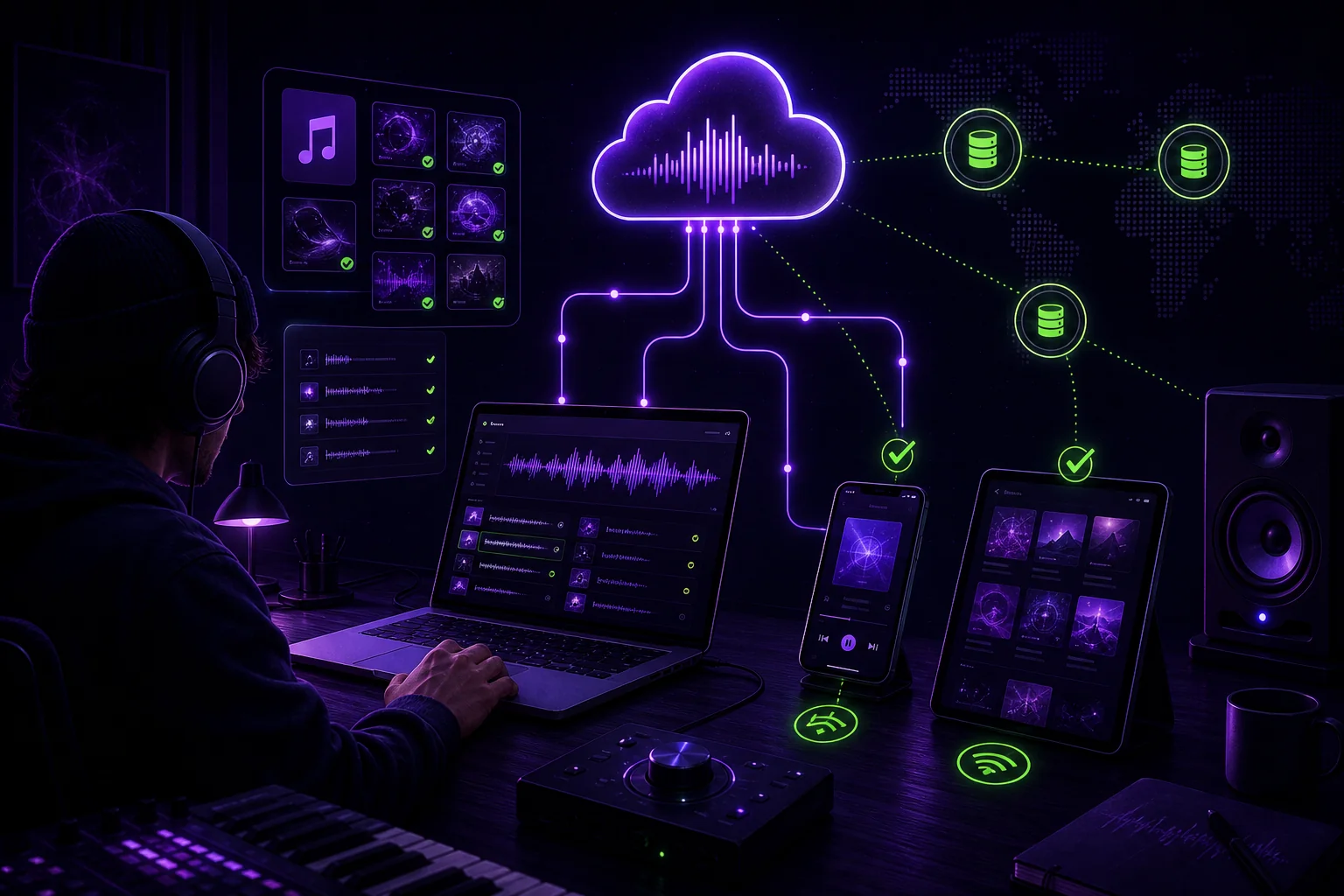
A DAW session is not backed up because you copied it to another folder on the same drive. If that drive fails, both folders disappear together. A reliable music project backup system keeps your working session, raw recordings, stems, and final exports in separate, recoverable copies. The practical approach is the 3-2-1 rule: three copies, two storage types, and one off-site copy. Here is how to apply it to every session without turning studio work into IT support.

Remote sessions get messy when every collaborator can access, edit, download, and share everything. A vocalist needs the instrumental and references. Your mix engineer needs multitracks, not private songwriting notes. Your producer may need full project control.

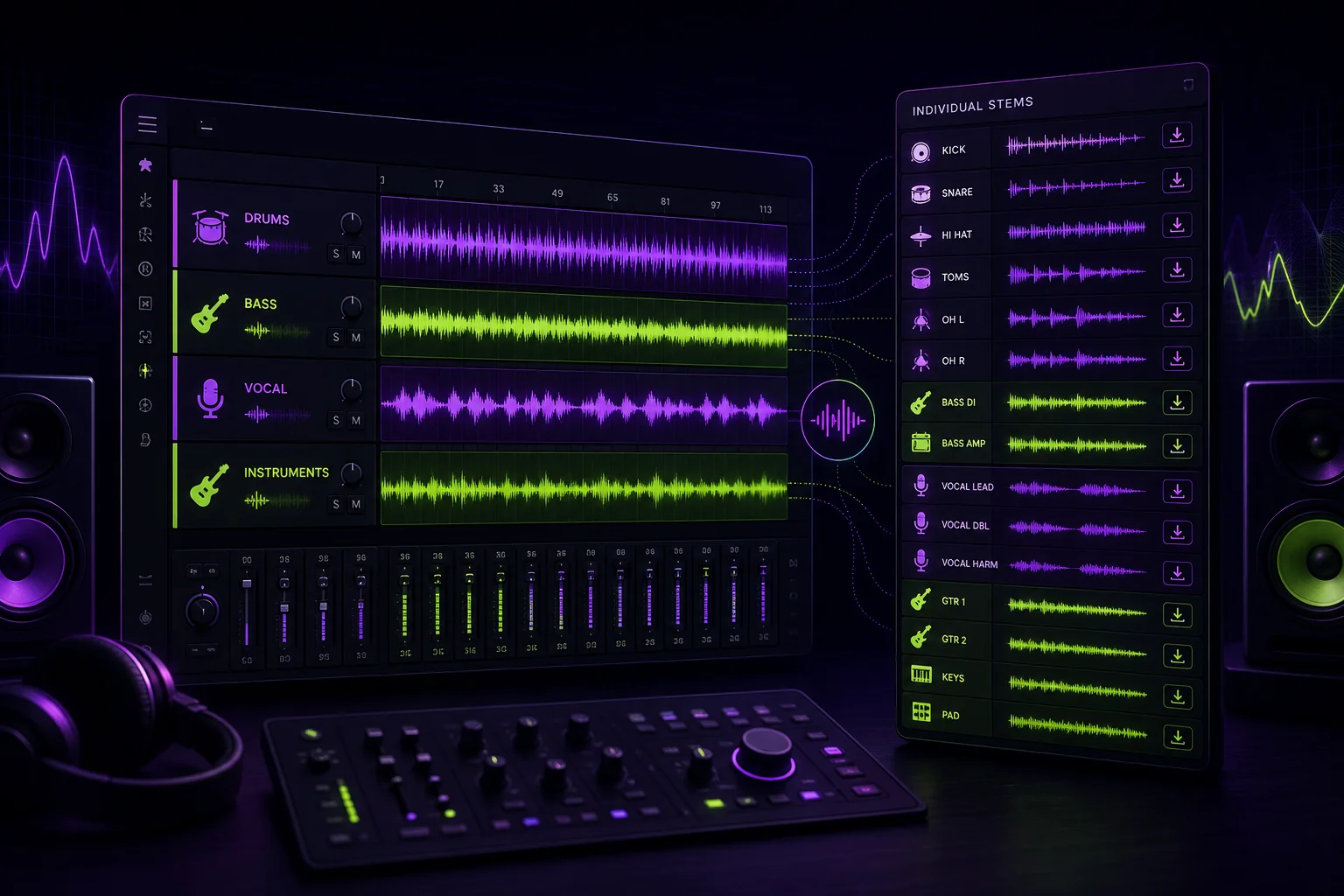
If someone asks you for stems, do they want grouped instrument files or every recorded track? Those are different deliveries. Send the wrong one and your collaborator may lack the control needed to finish the job.

Can BandLab carry a remote song from the first idea to an approved export without creating version chaos? That is the useful evaluation question. Not how many features appear on a product page. This checklist follows an artist recording vocals at home while a producer builds and mixes the instrumental elsewhere. Because the available source material does not document current plan limits, export options, permissions, or observed results from a live session, those details are treated as decisions to document in the current BandLab workspace rather than assumed features.

A DAW is where a song becomes a project you can finish. It lets you record performances, arrange sections, edit mistakes, shape the mix, and export the result. The difficult part is not finding options. It is choosing one without comparing endless features you may never use. Start with the work you need to do, then check compatibility, workflow, and cost. That is enough to make a sensible first choice.

The final mix handoff should not feel like a last-minute file dump. Your mastering engineer needs the approved mix, clear references, useful notes, and confirmed technical requirements. Otherwise, the session can start with a basic question: which version did you send me?

A BPM and key detector can give you a useful starting point. It cannot tell you what your session actually needs.