Cloud Storage for Musicians: What Matters for Sessions
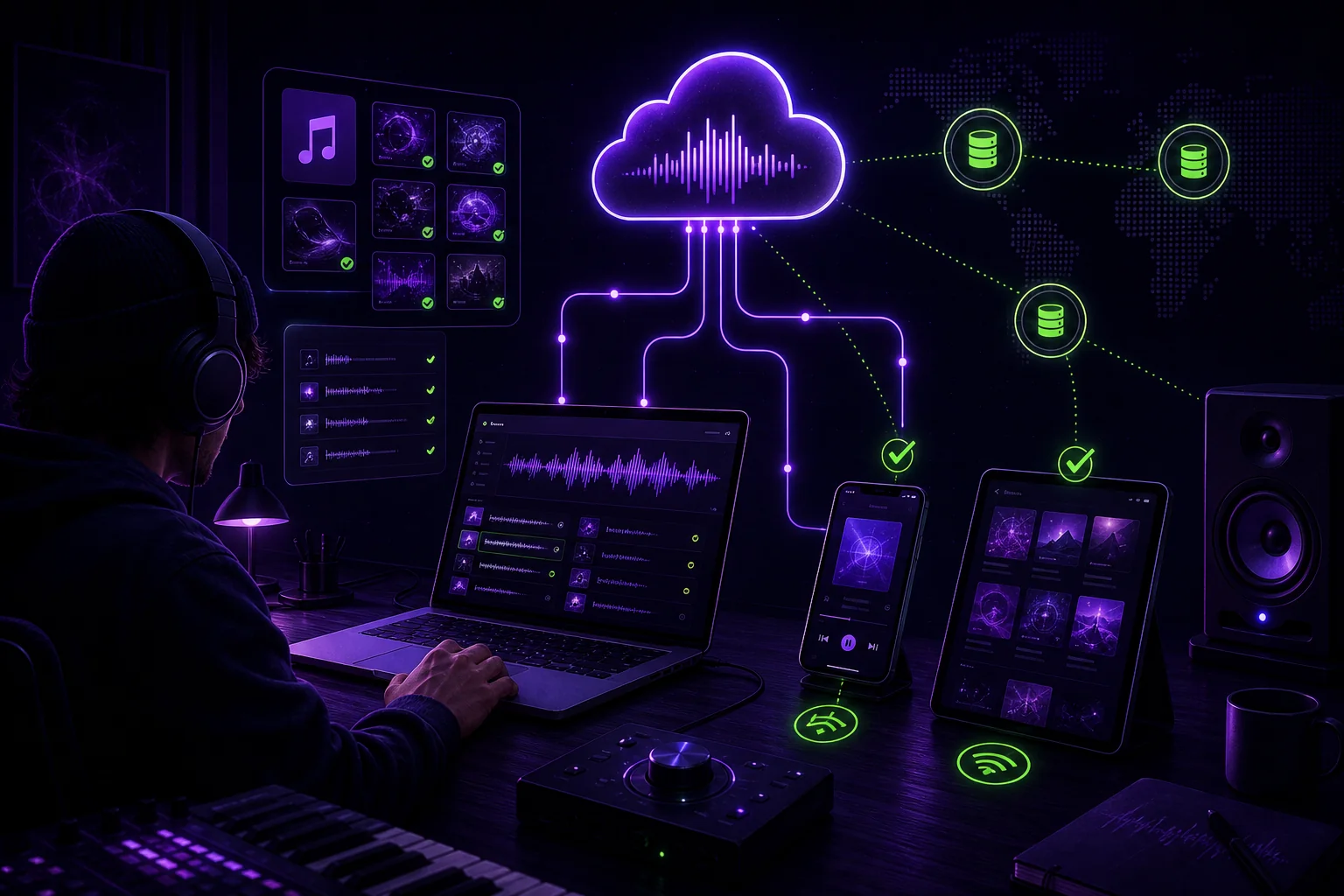
Cloud storage for musicians is not just about putting audio files online. A production session includes the DAW project, recorded files, stems, exports, notes, samples, and sometimes plug-in dependencies. If one part is missing, your collaborator may open an empty timeline and a headache.
The right storage setup protects the audio, keeps versions clear, makes sharing controlled, and lets you restore a complete session when something goes wrong.
Start with the real requirement: storing a library or running sessions?
There is a big difference between storing music for playback and storing music for production.
A playback library might contain finished tracks. You want access from a computer, phone, or laptop. A web player or virtual drive may be enough for that use case.
A production session is less tidy. It might contain:
- A Logic, Ableton, Pro Tools, or FL Studio project
- Recorded WAV or AIFF files
- Vocal takes and unused edits
- Drum, bass, music, vocal, and effects stems
- Rough mixes and reference bounces
- Samples and MIDI files
- Track notes and production instructions
- Plug-in and instrument dependencies
- A final mix and master export
The DAW project file is only the map. The audio files are the actual terrain. Send the map without the terrain and your mixer may see missing-file warnings before hearing the song.
Before choosing a service, define what you are storing:
- Playback library: finished music for listening.
- Working session: the full project and its associated files.
- Collaboration package: selected stems, bounces, notes, and references.
- Archive: a recoverable copy of a completed project.
These needs can overlap, but they do not require the same workflow.
For a DAW handoff, package the session first. Collect or consolidate the audio files into the project folder. Remove unused material only after confirming that you will not need it. Include a README with the BPM, key, start point, sample rate, and the version you want your collaborator to open. The requirements for plug-ins, licenses, presets, and sample libraries are covered in the session-integrity test below.
This is the practical difference between uploading a folder and sending a session that works. See this guide to sharing DAW sessions that actually open before your next handoff.
Lossless audio and session integrity come before capacity
Lossless audio means the file is preserved without throwing away audio information through compression. For recording, mixing, stems, and masters, that matters more than having a convenient play button.
Separate audio integrity from project integrity:
- Audio integrity: the decoded audio samples, sample rate, bit depth, and channel layout remain unchanged.
- Project integrity: filenames, extensions, metadata, permissions, folder relationships, file paths, DAW references, plug-ins, presets, licenses, and the structure of the project remain usable.
Lossless compression concerns the first category. It does not by itself guarantee preservation of metadata, permissions, paths, project structure, or plug-in dependencies. Test audio integrity and project integrity separately.
A service may play a file successfully while still being unsuitable for a DAW session. Playback support is not proof that it will preserve every project file, sample, export, or plug-in dependency.
Check the VOX Cloud page for its current audio formats, storage limits, offline behaviour and supported platforms before relying on it — these change, and a figure quoted here would be stale within months.
That distinction is easy to miss. A FLAC file is an audio file. An Ableton project folder is a working environment with links between files. A Pro Tools session may depend on a particular folder structure. A vocal comp may rely on several takes that are not present in the bounce you sent.
FLAC is often suitable for archiving and listening because it retains the audio without lossy compression while reducing file size. Some DAWs and mixing workflows instead require uncompressed PCM files such as WAV or AIFF. Before uploading or delivering a session, verify the format accepted by the DAW and by the recipient. Do not assume that a service’s playback support or a file’s lossless encoding makes it appropriate for every production workflow.
A project may remain incomplete even when every referenced audio file is present if those dependencies are unavailable. Record the plug-in and instrument names and versions, the relevant licenses, the presets used, and the required sample libraries. During restoration, verify that they are installed, authorized, and compatible with the session. Storage can restore the files without restoring a fully operational production environment.
For a song called “After Midnight,” keep the original production files separate from listening copies:
After_Midnight/
├── 01_DAW_Session/
├── 02_Audio_Files/
├── 03_Samples/
├── 04_Stems/
├── 05_Mixes/
├── 06_Masters/
└── README.txt
Then use clear names:
After_Midnight_105BPM_Am_v07_Mix2.wav
After_Midnight_Drums_105BPM_Am_v03.wav
After_Midnight_Vocals_105BPM_Am_v03.wav
Do not rely on a file called final.wav. That name has a suspicious relationship with future edits.
Run one comparative test on a real session
A generic upload test is not enough. Compare the services with the same production package so that you measure a workspace rather than a file locker.
Use one Ableton session containing:
- Approximately 2 GB of WAV files
- A folder of stems
- Three clearly named session versions
- The README and project folder structure
- Any samples required by the arrangement
For each service, run the same sequence:
- Start uploading the complete project.
- Interrupt the upload after a substantial portion has transferred.
- Resume it without deleting the partial data.
- Restore the project on another machine or user account.
- Open all three versions in Ableton.
- Check the file paths, referenced audio, samples, and folder relationships.
- Download or share the stem folder with a second user.
- Add feedback to a precise point in one identified version.
- Restore the previous approved version.
- Export a short bounce and compare it with the original reference.
Define the result before interpreting it:
| Test | Acceptable result |
|---|---|
| Interrupted upload | The transfer resumes from the existing partial data, or the service clearly reports what must be retransferred without producing a corrupt folder. |
| Restoration | The complete project, audio files, stems, README, and three versions are available on the second machine. |
| Paths and references | Ableton opens the session without unexplained missing-file warnings, and the original folder relationships remain usable. |
| Version recovery | The approved version and the previous version can be identified and restored independently. |
| Offline work | Files advertised as available offline remain accessible without a connection; do not count streaming access as offline session access. |
| Stem delivery | The recipient can access only the intended stem package and can download it in the required format. |
| Feedback | A collaborator can attach a comment to the correct version and time position, then distinguish it from comments on other versions. |
| Audio result | The restored or downloaded files retain the expected sample rate, bit depth, channels, and audible content. |
Record the elapsed upload and restoration times, the amount of data retransferred after interruption, and every manual path repair. A service that previews a WAV quickly but requires extensive relinking is functioning as a playback or file-access tool, not necessarily as a production workspace.
The CloudStorageInfo comparison is a reasonable starting point for comparing storage, synchronisation and virtual-drive options; verify any figure on the provider's own page before deciding.
The same caution applies to offline use. The relevant question is not whether a service can make a track available for listening, but whether the complete project package can be restored and opened when the connection is unavailable.
Version history is what protects takes and mixes
Sync, backup, and version control are different things.
- Sync mirrors changes between locations.
- Backup keeps a recoverable copy.
- Version control helps you identify, separate, and restore earlier states.
If you delete a vocal take inside a synchronized folder, that deletion may spread to another device. Sync keeps things aligned. It does not, by itself, explain which version was approved or preserve every useful creative state.
Use a naming convention that gives every important export a place in the timeline:
You can adapt the structure to your session. The important part is consistency. Include:
- Track name
- Artist name
- BPM
- Key
- Version number
- Mix number or revision label
Create one approved version. Mark it clearly in the project notes or collaboration workspace. Keep feedback tied to that version. Otherwise, you may receive a message about “the second chorus” while listening to a different bounce. This is how a five-minute fix becomes an evening of archaeology.
For a remote session, use a simple rule:
- The producer uploads the current version.
- The mixer comments on that version.
- The producer makes the edit.
- The new export receives a new version number.
- The previous version remains available.
- The team confirms which version is active.
A restoration scenario should be part of the plan. Imagine that a bad edit overwrites the vocal comp. You should be able to identify the last approved session, restore it, and continue without asking three people to search old email attachments.
Read more about version control for music production and make the version number part of your daily session habit.
Choose sharing controls that fit stems, feedback, and delivery
You should not share the same package with everyone.
A mixer may need the full session or consolidated multitracks. A featured vocalist may need a rough mix and a guide vocal. A manager may only need a listening link. A mastering engineer usually needs the approved mix, not your entire folder of abandoned ideas.
For shared files and links, check whether the workflow supports:
- Password protection
- Expiration dates
- Access revocation
- Role-based permissions
- Download controls
- Comments
- A clear record of who received or changed something
These controls matter when a track is still private. They also reduce the risk of sending unrelated session files along with the deliverable.
For a stem export, organize the parts before uploading:
A stem is a consolidated audio file representing one part or group of a production. For example, the drum stem may contain the complete drum arrangement, while the vocal stem contains the edited vocal processing you want the mixer to receive.
Before delivery, confirm:
- Every stem starts at the same point
- The tempo and key are included
- The sample rate is documented
- The naming convention is consistent
- The reference mix is included
- The approved version is identified
- Unrelated takes and private notes are excluded
For feedback, a browser-based player with waveform comments can be more useful than a message saying, “The chorus feels weird.” Place the comment at the relevant moment. Name the version. Explain the action: “Lower the doubled vocal at the second chorus entrance,” rather than “Fix vocals.”
You can use a structured music feedback workflow to keep comments attached to the audio they describe.
Use a practical selection checklist—and a backup plan
Choose storage based on your working session, not only the monthly price.
Ask these questions:
| Requirement | What to test |
|---|---|
| Session size | Can you upload and restore a complete project at the size you actually use? |
| Interrupted transfers | Can a large upload resume without unnecessary retransfers or corruption? |
| Collaborators | Can each person receive the right level of access? |
| Lossless work | Are files preserved without conversion? |
| Offline work | Can essential files be cached or kept locally, and does that include the session rather than only playback files? |
| Delivery frequency | Can you repeat the handoff without rebuilding the process? |
| Recovery | Can you restore an earlier session after deletion or corruption? |
| Feedback | Can comments stay attached to a specific audio version and time position? |
| DAW workflow | Does the restored project open with its files linked? |
Keep sync and independent backup separate in your planning. A useful framework is the 3-2-1 principle: three copies, on two different media, with one copy off-site. Treat it as a plan for recovery, not as a feature you assume every cloud folder provides.
For example, after finishing a mix:
- Keep the working session on your studio computer.
- Keep another copy on a separate local drive.
- Keep an off-site cloud copy.
- Preserve the approved mix and the session version separately.
- Test restoration before you need it.
SoundiSiaK Studio should be evaluated against the same criteria as any other platform: whether it provides the version history, main-version handling, per-track permissions, lossless browser playback, waveform comments, stem controls, and DAW session sharing that your workflow requires. These product capabilities are not confirmed here by a dated research record, so verify each one in current platform documentation or in the comparative test before relying on it: see how a music collaboration platform goes beyond file sharing.
Conclusion
The best cloud storage for musicians is not simply the service with the most space. It is the setup that preserves your audio, keeps sessions understandable, supports controlled sharing, and gives you a reliable way back after a mistake.
Start by separating playback storage from production storage. Run the same complete-session test on every candidate, including the interrupted upload, restoration, path, version, stem, and feedback checks. Use lossless files for work that will be mixed or mastered, while confirming whether the DAW or recipient requires WAV or AIFF PCM. Number your takes and mixes. Share stems with clear boundaries. Keep an independent backup.
When your project has several collaborators, files alone are only part of the problem. A music-focused workspace may be worth evaluating if its documented versioning, feedback, permissions, stem, and DAW-session features meet the acceptance criteria for your real project. Whichever service you choose, test the complete restoration workflow before depending on it for an active production.