Sharing work-in-progress music for feedback
"Sounds great, maybe the vocals a bit louder?" is not feedback you can act on. Neither is a voice note describing a moment nobody can find, or a reply to the wrong bounce. Good feedback on a work in progress has three properties: it is about a specific version, it points at a specific second, and it comes from someone who heard the track as you meant it. This article is about getting those three properties on purpose.
Step 1 — decide what you are asking
Before you share anything, know what kind of answer you want, because it decides what you send:
- A verdict — does this work, which of the two is better, is it ready? Send a mix.
- A diagnosis — is the vocal sitting right, are the drums fighting the bass? Send stems (up to 9 in one version), so the listener can solo the channel in question.
- A part — a harmony, a bass line, a verse. Send the mix plus the stems they will play against, and ask for their part back as a stem.
Stems vs multitracks — what to send goes deeper on the delivery itself.
Step 2 — pick the version, and say which
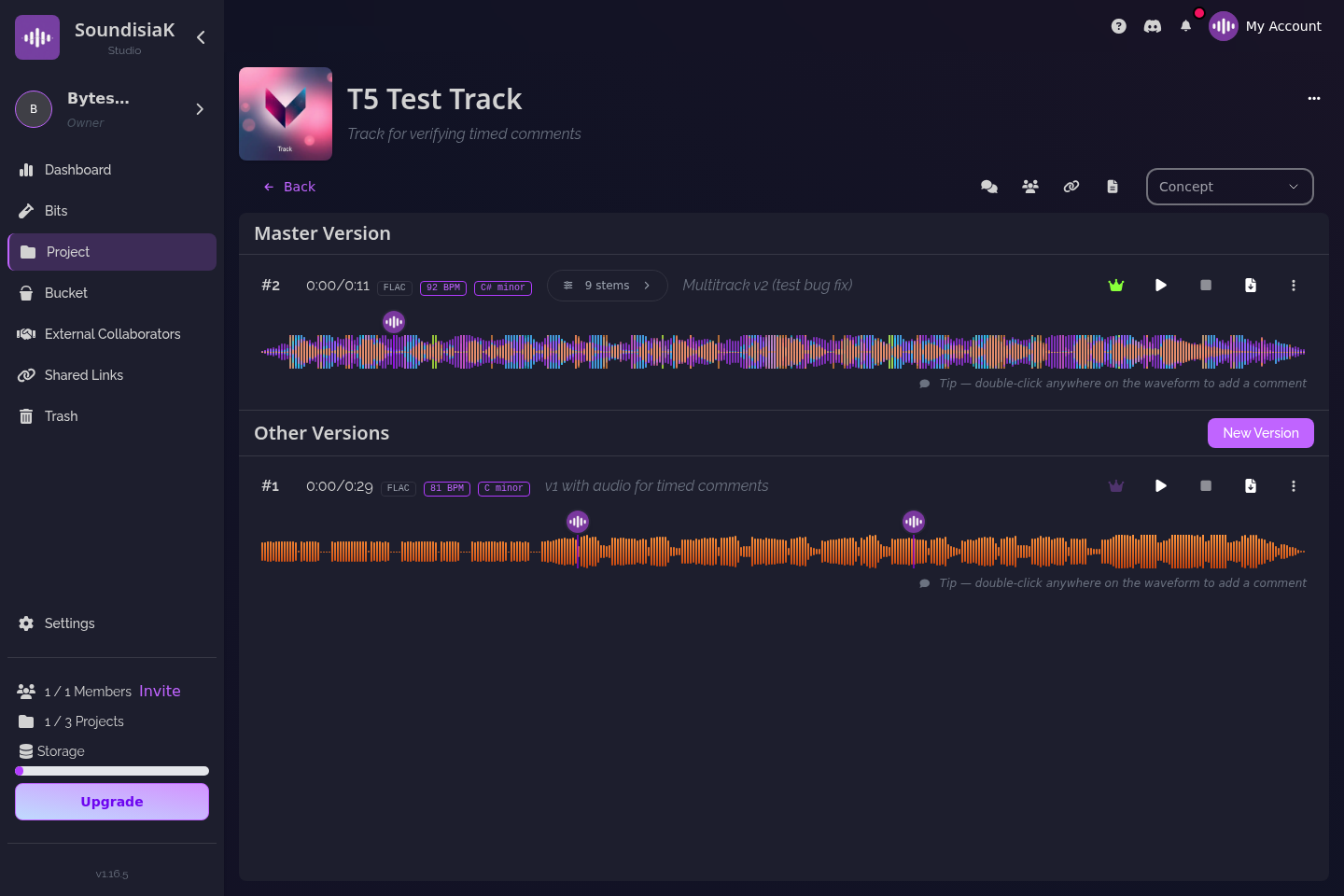
Feedback on the wrong version is the most expensive kind: the mixer fixes a problem that was already fixed, the artist re-sings a chorus from two bounces ago. In SoundisiaK Studio every upload is a numbered version with a description, and one version per track is flagged main. Share the version you mean, and make sure the main flag is on the one you want treated as the reference — how to manage multiple versions has the method.
Step 3 — choose the door: collaborator or link
There are two ways to let someone hear a work in progress, and they are for different people.
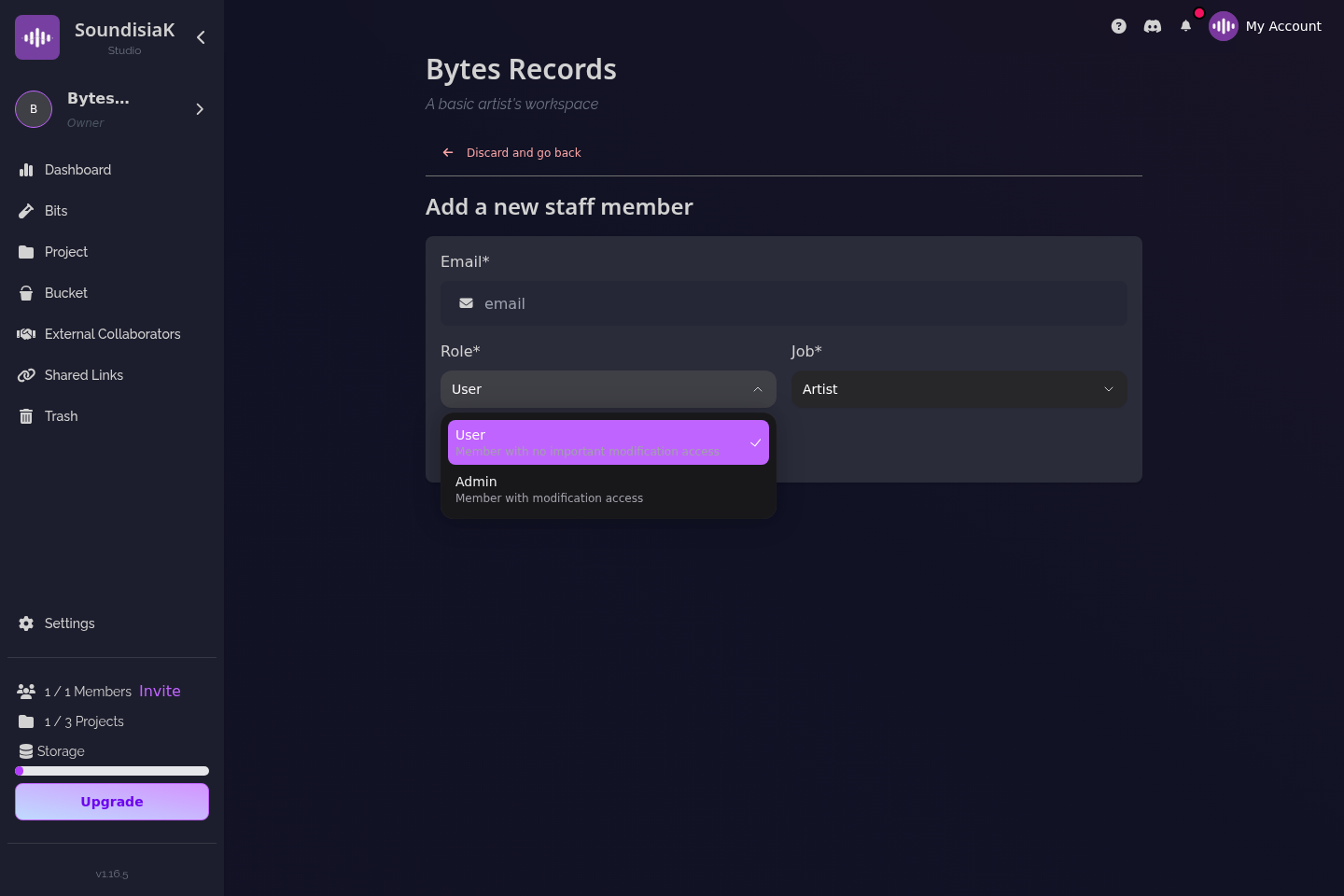
Invite a collaborator when the person will work on the track: a bandmate, a producer, a mixer, a featured artist. A collaborator is invited to one track — not to your workspace — and gets a free account in under a minute. They can:
- listen lossless in the browser (FLAC/WAV, not a compressed preview), solo and mute stems, adjust each channel's gain, EQ and balance;
- leave timestamped comments pinned to the exact second of the waveform, delivered to you in real time;
- download the version, and the DAW session if you uploaded it, to actually do the work.
Collaborators are unlimited and free on every plan, the Free plan included, and they never see the rest of your workspace.
Create a shareable link when the person will listen: a manager, A&R, a client, a friend whose ear you trust. No account needed. The link can carry a password and an expiry date, can be listen-only, and can be revoked at any time; it reports views, plays and completions. Links are the right tool for anyone who should hear the track without ever holding a file — why secure file sharing is essential for musicians covers the security side of this choice.
Step 4 — ask at a timestamp, answer at a timestamp
The unit of useful feedback is the second, not the song. In SoundisiaK Studio a comment is placed on the waveform at a time, on a specific version, and — if the version has stems — can concern a specific channel. "The snare at 0:47 is late" lands at 0:47 of v5, on the drums channel, and stays there when v6 arrives.

Make the ask specific too. Instead of "thoughts?", write one comment per question at the moment it concerns: "0:00–0:15 — is the intro too long?", "2:31 — double the last chorus or leave it?". People answer the question in front of them; they rarely answer "thoughts?".
Step 5 — make sure they heard what you heard
Half of bad feedback is a listening problem: a 128 kbps preview on laptop speakers, a mix heard without the bass because the phone could not reproduce it. Two things help here. Everything in SoundisiaK Studio streams lossless, so the listener hears the file, not a version of it. And with stems, the listener controls the balance — solo the vocal, pull the drums down, press Smart Mix for a sensible starting point — so "I can't hear the lyric" becomes "the lyric disappears under the pad at 1:40", which is something you can fix.
Step 6 — read the counters before you chase
A shareable link tells you whether it was viewed, played, and played to the end. Zero plays after three days means the person has not listened — send a gentle nudge, not a new mix. Ten completions on a link you sent to one person means it was forwarded — decide whether that is fine, and revoke it if not. Either way you are no longer guessing.
Putting it together
Say you have a rough mix with a vocal you are unsure about. Upload it as v3 with the description "rough mix — verse 2 vocal take B". Invite the vocalist as a collaborator on the track and leave one comment at 1:05: "take A or take B here?". Create a listen-only link with a one-week expiry for your manager, and send it with one question: "would you pitch this as is?". The vocalist answers at 1:05, on v3, having soloed her own channel; the manager's link shows two full plays by the next morning. You now have two pieces of feedback you can act on, and nobody holds a file they should not.
The version then moves along the track's status — Writing, Recording, Ready for Mix, Completed — and the comments stay where they were made, as the record of why each change happened. How to collaborate on music remotely covers the rest of the asynchronous workflow once the feedback loop is in place.
FAQ
Does the person giving feedback need an account? Only if they will work on the track — then they are a collaborator with a free account. To just listen and tell you what they think, a shareable link works without an account.
Can feedback be about one instrument rather than the whole mix? Yes. Upload the version as stems (up to 9); the listener can solo a channel, and a timestamped comment can concern that channel at that second.
Can I share a work in progress without letting people download it? Yes. A shareable link can be listen-only; the recipient streams the track losslessly in the browser and never receives a file.
What happens to comments when I upload a new version? They stay pinned to the version and the second they were made on. The new version starts with its own thread, so "fixed in v6" is always verifiable against v5.
Ask at a timestamp, get an answer you can use. Start free on SoundisiaK Studio →