BPM and Key Detection: Verify Stems Before You Collaborate
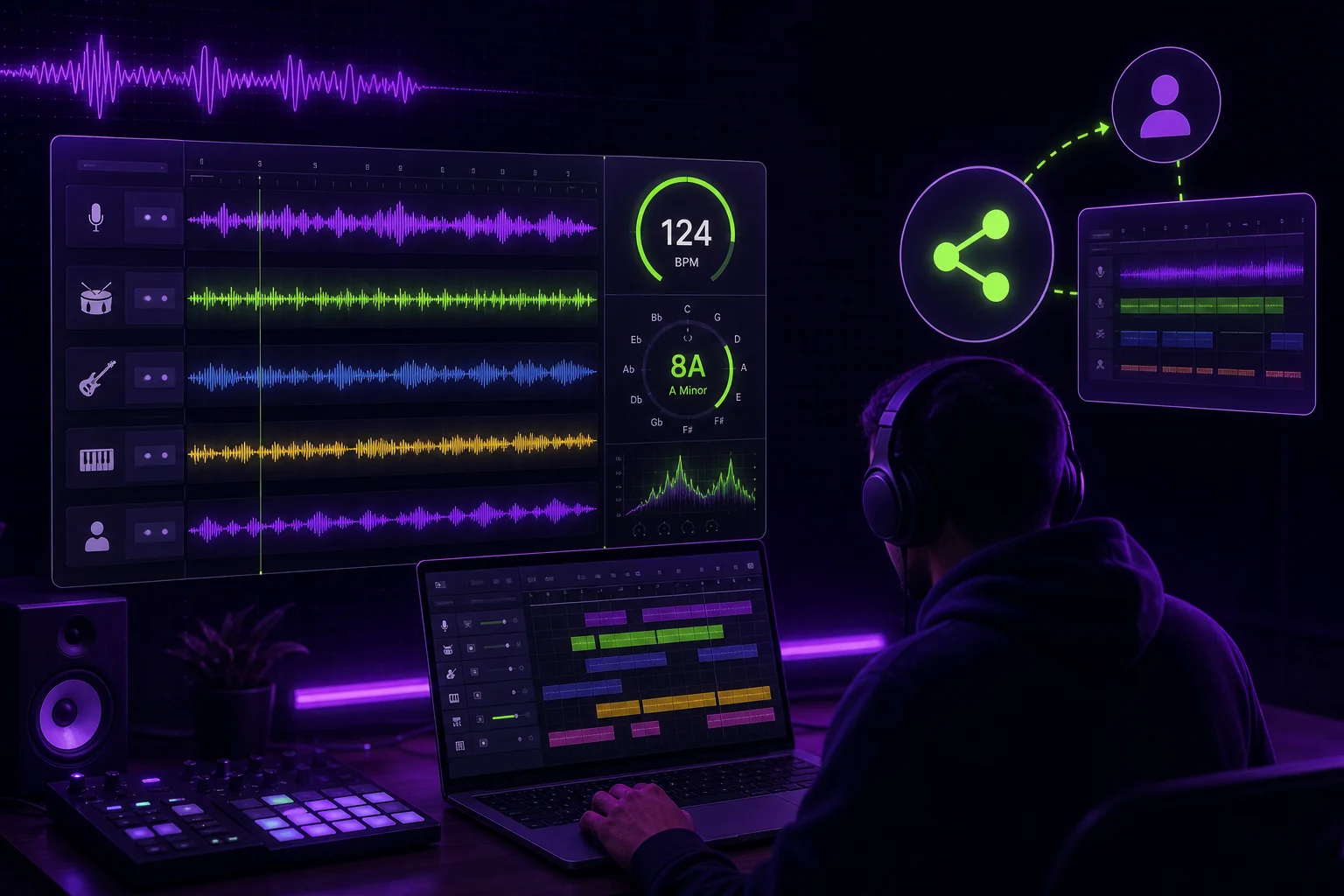
A BPM and key detector can give you a useful starting point. It cannot tell you what your session actually needs.
Before a producer edits, a vocalist records, or a mixer opens the project, verify the tempo and tonal center against the audio. Then document the confirmed values. This small check prevents the familiar remote-collaboration question: “Why is your grid moving?” It also keeps edits, MIDI parts, arrangements, and shared sessions pointed at the same musical information.
Why BPM and Key Detection Should Be a Verification Step
BPM means beats per minute. It describes the tempo a track appears to follow. Key describes the tonal center—the note and scale area that makes the music feel settled.
Both are useful session details. Neither should be treated as unquestionable authority.
An analyzer listens to audio and proposes a result. Your stem may not contain enough information for that result to be clear. A percussion stem can suggest tempo well but say almost nothing about key. A vocal stem can contain expressive pitch movement without clearly stating the song’s tonal center. A bass stem can suggest the root, but it may also use passing notes, inversions, or notes outside the main scale.
There is also an important difference between detected BPM and project tempo.
Detected BPM is what an audio analysis tool estimates from the file. Project tempo is the tempo currently set in your DAW. They may match. They may not. A project can also contain tempo changes, a tempo map, or a performance that drifts around the grid.
The same distinction applies to key. A detector may suggest a key for a full mix, while the musical center you hear in a particular stem may be less obvious. The stem might omit the root note or emphasize a chord tone instead.
Use this sequence:
- Analyze the full mix and relevant stems.
- Listen to the audio without trusting the result yet.
- Compare the proposed BPM with the DAW grid and metronome.
- Compare the proposed key with bass notes, sustained tones, chords, and the full mix.
- Confirm the metadata or mark it as uncertain.
- Share the confirmed session settings with collaborators.
Think of detection as a question, not a verdict.
For example, imagine sending a chorus vocal to a remote producer. The analyzer suggests a tempo, but the vocal has a loose pickup before the downbeat. If the producer sets that value as the project tempo without checking the full session, the vocal may look misaligned even though the original production is correct. The problem is not the vocal. The handoff lacked verification.
Prepare the Stem Before Running an Analyzer
A stem is an exported audio part or group of parts from a production. It might contain drums, bass, vocals, guitars, keys, or a larger musical section.
Isolated stems can mislead detection because they do not all carry the same evidence.
A drumless stem may have no clear rhythmic pulse. A pad stem may contain sustained notes with very few attacks. A vocal stem may begin with silence, breaths, slides, or effects. A bass stem may omit the root during a section. Reverb and delay can place energy after the original note. Tuning choices can also make the apparent key less obvious.
Before analysis, prepare a useful listening section.
- Choose a section with representative rhythm and harmony.
- Include the full mix when you have it.
- Check where the audio starts relative to the song’s downbeat.
- Note any count-in, pickup, silence, or printed effects.
- Confirm that the file is the intended version.
- Avoid drawing conclusions from a single isolated note or short phrase.
A practical example: you are sending a bass stem and a synth stem to a producer working in Ableton Live, while your original project is in Logic. The bass enters halfway through the intro. The synth holds one note across several bars. An analyzer may have little rhythmic information from either file. The full mix gives better context, while the stems help you check what each collaborator will actually edit.
When a full mix is available, analyze it alongside the stems. Use the mix to understand the song’s overall pulse and tonal center. Use the stems to identify whether a specific part agrees with that information or creates an ambiguity.
Several browser analyzers may also require JavaScript and cookies before you can use them. The Tunebat Analyzer displays a request to enable JavaScript and cookies before continuing. The Vocal Remover Key and BPM Finder displays the same type of request. The LANDR Key & BPM Finder indicates that JavaScript must be enabled to use the application:
The tool you use matters less than what you do with the result. Keep the original audio, listen in context, and record what you confirmed.
How to Verify the Detected BPM Against the Audio
Start by running the analysis on the full mix and the relevant stem. Write down the proposed result without calling it final.
Then open the DAW session and set the proposed BPM as the project tempo. Place the audio at the intended start point. If the file is already aligned to a tempo grid, check whether the first downbeat and later downbeats remain in place.
Listen with the metronome. Do not only check the beginning. Jump to the verse, chorus, bridge, and outro. Repeated phrases are useful because small tempo errors become easier to hear as the section continues.
Check:
- Do the main transients land with the grid?
- Do the downbeats remain aligned after several phrases?
- Does the metronome feel steady against the performance?
- Does the result make sense in the full mix?
- Is the proposed tempo actually a half-time or double-time reading?
- Does the song use a stable tempo or a changing tempo map?
A half-time or double-time interpretation can describe the same pulse differently. If a detector proposes a value that feels twice as fast or half as slow as the groove, test both interpretations against the metronome and the arrangement. Choose the value that matches the project’s working grid, not just the number that appears first.
Now separate a stable project tempo from tempo changes or drift.
If the song stays aligned at the start but moves away from the grid later, the issue may be a tempo map rather than a wrong single BPM value. If the performance was recorded without a click, forcing one BPM across the entire file can create more problems than it solves. Document the change points instead.
Example: a live-feel drum session
You receive a drum stem for a rock session. The opening follows a clear pulse, but the last chorus pushes forward slightly. An analyzer gives you one proposed BPM. You set it in the DAW and find that the first verse aligns while the final chorus does not.
Do not silently replace the project tempo with the analyzer’s value. Check the original session or full mix. Mark the tempo change if it is intentional. If there is no confirmed tempo map, tell the collaborator that the session has a stable starting tempo with later movement. That information is more useful than a false sense of precision.
Record the result in a simple note:
Project tempo: confirmed at the opening grid
Tempo map: change begins at final chorus
Alternate reading: half-time feel considered, not used
Confidence: high for intro through second chorus; verify final chorus
The exact value belongs in your project record once you have confirmed it. The important part is that the number comes from the checked session, not from an unexamined upload result.
How to Validate the Detected Key on a Stem
Key detection needs the same discipline. Listen for the tonal center instead of treating the suggested key as definitive.
Start with the full mix. Ask where the music feels resolved. Then compare that impression with the stem you are preparing to share.
Listen to:
- Bass notes at phrase endings.
- Sustained notes in pads, guitars, or keys.
- The first and last notes of important phrases.
- Chord changes in the verse and chorus.
- Notes that feel stable versus notes that create tension.
A stem may not contain the note that establishes the root. A bass part may use an inversion, meaning the lowest note is not the root of the chord. A vocal may emphasize a third, fifth, or passing tone. Modal material can also make a major-versus-minor label feel uncertain.
Example: a vocal stem with an ambiguous result
You are sending a lead vocal to a producer for tuning and arrangement work. The analyzer suggests a key, but the chorus ends on a note that feels unresolved by itself. When you play the vocal against the instrumental, the tonal center becomes clearer. The full mix supports the original key, while the isolated vocal does not.
Record the full-mix result as the working key, then note that the vocal stem alone is ambiguous. This gives the producer useful context without pretending that the isolated file proves more than it does.
If you need another check, compare the candidate key with a piano or MIDI reference. Play the likely root and listen for whether the stem settles against it. A tuner can help inspect individual notes, but a tuner is not a substitute for identifying the song’s tonal center. You can also compare a pitch-shifted reference, provided you keep the original file and clearly label the test.
Pay attention to section dependence. A song can contain material that does not sit neatly inside one key label. A bridge may introduce different harmonic material. A vocal may use chromatic notes. In those cases, record the main working key and describe the exception.
For example:
Working key: confirmed from full mix
Vocal stem: main phrases agree with working key
Bridge: tonal center less certain
Confidence: high for verse and chorus; bridge requires musical context
That note helps a collaborator make an informed choice when editing MIDI, arranging harmonies, or preparing a new part.
Record Confirmed Session Metadata Before Editing Starts
Once you have checked the audio, put the result somewhere every collaborator can find.
Your handoff record should include:
- Confirmed BPM.
- DAW project tempo.
- Time signature.
- Key.
- Tuning reference, if relevant to the session.
- Tempo-map changes.
- Source file names.
- Unresolved questions.
- Confidence for each major value.
Put this information in the DAW session itself, a README, and a clearly named project note. The goal is not paperwork for its own sake. It is to stop collaborators from creating separate interpretations of the same session.
A producer editing MIDI needs the correct project grid. A vocalist needs a reliable harmonic reference. A mixer needs to know whether the stems line up with the supplied mix. A remote collaborator opening a Pro Tools, Logic, Ableton, or FL Studio project needs the same tempo and meter assumptions you used when exporting the files.
Use a filename that carries context without becoming a paragraph:
If the key or tempo remains uncertain, say so:
Inside the project, include a note such as:
Session handoff

Tempo: confirmed against full mix and grid
Meter: use the session setting
Key: working key confirmed from full mix
Tempo changes: documented in the DAW tempo map
Open question: bridge harmony needs confirmation before new MIDI is written
Source mix: TrackName_Mix_v03.wav
Stem set: exported from the same session version
For a broader process around stages, ownership, and file organization, use this guide to organize your music production workflow. Before sending the project, also review how to share DAW sessions that actually work.
The confirmed metadata should travel with the audio. Do not leave it buried in an old email or assume your collaborator will infer it from the waveform.
The Pre-Collaboration BPM and Key Checklist
Use this checklist before handing off stems or a DAW project:
- Analyze the full mix.
- Analyze the relevant stems.
- Listen to each result in musical context.
- Set the proposed BPM in the DAW.
- Check the audio against the grid and metronome.
- Test half-time and double-time interpretations.
- Check downbeats and repeated phrases across the arrangement.
- Identify tempo changes, drift, or an incomplete tempo map.
- Listen for the tonal center in the full mix.
- Compare the candidate key with bass notes, sustained tones, and chord changes.
- Check for inversions, missing fundamentals, modal material, and major/minor ambiguity.
- Confirm the key or flag it as unresolved.
- Record BPM, project tempo, meter, key, tuning reference, and tempo-map notes.
- Label the source mix and stem set consistently.
- Share the same session settings with every collaborator.
Skipping this check can lead to misaligned edits, incorrect time-stretching, unusable MIDI, arrangement conflicts, and duplicated troubleshooting. The worst part is that everyone may spend time fixing a problem that started with one unchecked metadata field.
For remote handoffs, keep the confirmed values attached to the same project and version history as the audio. Remote collaboration works better when the creative process, versions, and communication stay connected.
BPM and key detection are useful because they reduce the time needed to form a first hypothesis. The reliable part comes afterward: listen, compare, confirm, and document. When your collaborators open the session, they should not have to guess which grid, key, or tempo map you intended. A shared music workspace can make that handoff easier, but the musical verification still belongs to you and your ears.