Music Project Permissions: A Minimal Remote Access Matrix
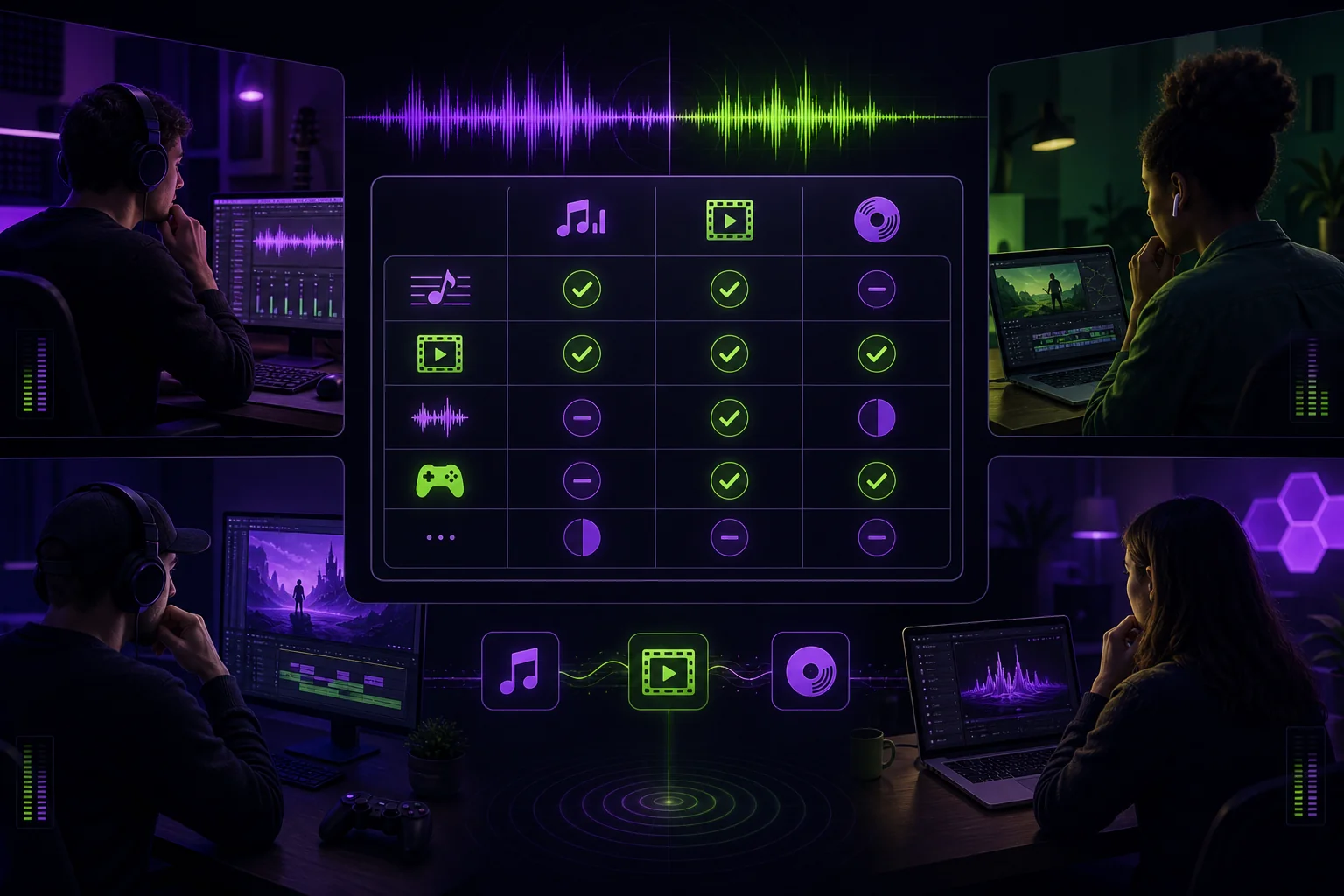
Remote sessions get messy when every collaborator can access, edit, download, and share everything. A vocalist needs the instrumental and references. Your mix engineer needs multitracks, not private songwriting notes. Your producer may need full project control.
The fix is a minimal music project permissions matrix. Give each person enough access to do the work, but no more. This protects unfinished music, reduces accidental edits, and makes offboarding much easier.
1. Start With a Least-Privilege Access Model
Least privilege means giving each collaborator only the access required for their current task.
Before sending an invitation, ask:
- What does this person need to hear?
- What do they need to upload?
- What can they edit?
- What can they download?
- Should they be allowed to invite anyone else?
- When should their access end?
Consider a remote vocal session. The vocalist needs the approved instrumental, a lyric or direction document, and perhaps a guide vocal. They need somewhere to upload their takes. They do not automatically need your full DAW session, unused beats, contract folder, or final masters.
The mix engineer has different requirements. They need the production files prepared for mixing. Those may be multitracks—individual recorded tracks—or stems, which are grouped exports such as drums, backing vocals, or synths. They usually do not need permission to add project members or replace the producer’s approved arrangement.
The producer or project owner normally keeps administrative control. That includes managing members, approving versions, and deciding which files move forward.
This is also where you must separate technical access from legal rights. Permission to download a track does not establish copyright ownership, neighboring rights, or permission to commercially exploit the music. Those questions need to be recorded separately.
If you are building the file-sharing layer first, review these secure file-sharing practices for musicians.
2. The Minimal Music Project Permissions Matrix
Use the following matrix as a starting point. Adjust it when someone’s actual responsibilities change.
| Role | View | Comment | Edit or upload | Download | Share or invite | Admin |
|---|---|---|---|---|---|---|
| Vocalist | References, instrumental, approved vocal files | Yes | Upload vocal takes and revisions | Approved files only | No | No |
| Producer | All active production assets | Yes | Sessions, arrangements, versions, notes, and approvals | Yes | Yes | Yes |
| Mix engineer | Approved multitracks or stems, references, mix notes | Yes | Upload mixdowns and revisions | Production files required for mixing | No | No |
Treat “edit” carefully. It should not mean that every collaborator can overwrite every file.
For example, imagine an artist recording a feature verse over a producer’s Ableton Live arrangement. The vocalist can upload:
SongName_FeatureVerse_Take01.wavSongName_FeatureVerse_Take02.wavSongName_FeatureVerse_CompSuggestion.wav
The vocalist can comment on the current reference mix. They cannot delete the instrumental or replace the producer’s main session.
The producer reviews the takes, builds the comp, and marks a vocal edit as approved. The mix engineer then receives the approved multitracks. They can download those files and upload SongName_Mix01.wav, but they cannot invite an assistant without the owner’s approval.
This division keeps authority clear. It also prevents the familiar message: “Which version did you send me?”
3. Apply Permissions by Asset, Not Just by Person
A single role can need different permissions across different assets. Avoid giving someone blanket access to the entire project because they need one folder.
Set permissions for these asset groups separately:
| Asset | Vocalist | Producer or owner | Mix engineer |
|---|---|---|---|
| Reference mix | View, comment, approved download | Full control | View, comment, download |
| Raw vocal takes | Upload and view own delivery | Full control | Access only after selection |
| Instrumental | View and approved download | Full control | Download with production files |
| DAW session | Usually restricted | Full control | Only when required for the handoff |
| Multitracks or stems | Restricted unless needed | Full control | View and download |
| Presets and plugin notes | Restricted | Full control | Access when required to recreate processing |
| Private production notes | No access | Full control | Selected notes only |
| Contracts and rights records | Only relevant documents | Restricted owner access | Only relevant documents |
| Mix revisions | View and comment | Approve and manage | Upload and comment |
| Final master files | Approved access only | Full control | Restricted unless involved in delivery |
Raw takes deserve special care. A vocalist may upload several exposed, unedited performances. Keep those files between the vocalist and the people responsible for editing or mixing them. A guest reviewer does not need access.
Private notes should stay private as well. “Try a tighter second chorus” belongs in collaborative feedback. “We may replace the bridge if the label rejects it” may belong in an owner-only note.
Reference mixes should be easy to review and comment on. Final master exports should be restricted until the project owner approves delivery.
DAW sessions require an additional check. A session may contain missing samples, licensed plugins, alternate takes, or files that were never intended for general distribution. Before granting access, prepare the session using a reliable DAW project-sharing workflow.
4. Set Up the Remote Workflow Without Over-Sharing
Build access in the same order that you build the project.
Create one project workspace
Keep the song’s active files, versions, feedback, and delivery status together. Do not split the main conversation between email, direct messages, and several unrelated download links.
Name each role
Decide who is the owner, producer, vocalist, mix engineer, and reviewer. One person may hold more than one role, but the responsibility should still be explicit.
Upload only the required assets
For a vocal recording task, upload the approved instrumental and reference materials. Do not upload the entire production archive “just in case.”
For a mix handoff, upload the approved multitracks or stems, reference mix, and mix notes. If you need help deciding between those file types, use this guide to stems versus multitracks.
Mark the version status
Use clear states such as working, ready for review, changes requested, and approved. The exact labels matter less than using them consistently.
Keep one approved main version. Alternate versions can remain available, but they should not compete for authority. A file called final_final_REALfinal.wav is not a status system.
Invite people individually
Named invitations make it easier to identify who has access. Avoid one unrestricted link for the entire team when individual access is available.
If you must use a link, make it revocable. Use an expiration setting when the platform supports one and the review has a defined end.
Keep feedback attached to the correct version
A note such as “bring the vocal up here” is not useful if nobody knows which mix or moment it refers to. Attach feedback to the relevant version and pin it to the playback time when your collaboration tool allows it.
For a broader remote setup, see this remote music collaboration workflow.
5. Control Downloads, Sharing, Versions, and Offboarding
Not every listening task requires a download.
If someone is reviewing a work in progress, stream-only access may be enough. Disable downloads when the reviewer only needs to listen and comment. Allow downloads when a collaborator must import the files into a DAW or preserve an approved delivery.
Limit resharing wherever possible. A collaborator who needs another person involved should ask the project owner to send a separate invitation. That keeps the access list visible and avoids links traveling through group chats.
Use named accounts when available. Keep an access record so you can review who entered the project and which links remain active.
When a contribution or review window ends, use this offboarding checklist:
- Confirm that all promised files were delivered.
- Preserve the accepted takes, mixes, notes, and exports.
- Mark the accepted version as approved.
- Freeze or otherwise protect that approved version from replacement.
- Remove the collaborator’s edit and upload permissions.
- Revoke access that is no longer required.
- Disable or rotate shared links.
- Review whether downloaded copies need separate handling.
- Keep relevant project and rights records with the owner.
Suppose a mix engineer delivers an approved mix, then leaves the project before mastering. Preserve the approved mix and delivery notes first. Freeze that version. Remove the engineer’s project access. The mastering handoff should use a new invitation with access limited to the approved mix and relevant references.
Offboarding is part of the session. Do not wait until an old link appears in the wrong inbox.
6. Keep Project Permissions Separate From Music Licenses
Workspace access answers, “Who can open this file?” Music licensing answers, “Who can authorize this use?”
They are not interchangeable.
According to the Copyright Alliance’s guidance on song permissions, a synchronization license covers the musical composition, including the lyrics and score, when it is used in an audiovisual work. It does not authorize use of the original sound recording. That generally requires a separate master-use license.
Using an existing song in a film or video game therefore typically requires both the synchronization license and the master-use license.
The same source notes that organizations such as SESAC, ASCAP, BMI, or GMR may help identify a sync-rights holder or provide contact information. A master-use license is generally obtained from the label that controls the recording, often through its licensing or business and legal affairs department.
Unauthorized music use may lead to a takedown notice or more serious consequences.
Keep these permissions in separate records:
- Project access: viewing, commenting, editing, downloading, sharing, and administration.
- Creative approval: which arrangement, take, mix, or master is accepted.
- Rights information: ownership and relevant contributors.
- Usage authorization: where and how the music may be used.
Giving an editor a downloadable master does not itself provide permission to place that master in a film. Likewise, removing someone from a project workspace does not resolve ownership or licensing questions.
Conclusion
Good music project permissions are simple enough for the team to follow and specific enough to prevent accidental access.
Start with least privilege. Assign permissions by role and asset. Keep one approved main version. Use named, revocable access. Then remove that access when the work ends.
Most of this can be handled with a short matrix and a consistent routine. A music collaboration workspace can make that routine easier by keeping files, versions, feedback, and roles together. The important part is deciding who needs what before you press “invite.”