24 Bit vs 32 Bit Float: What to Send a Mixer
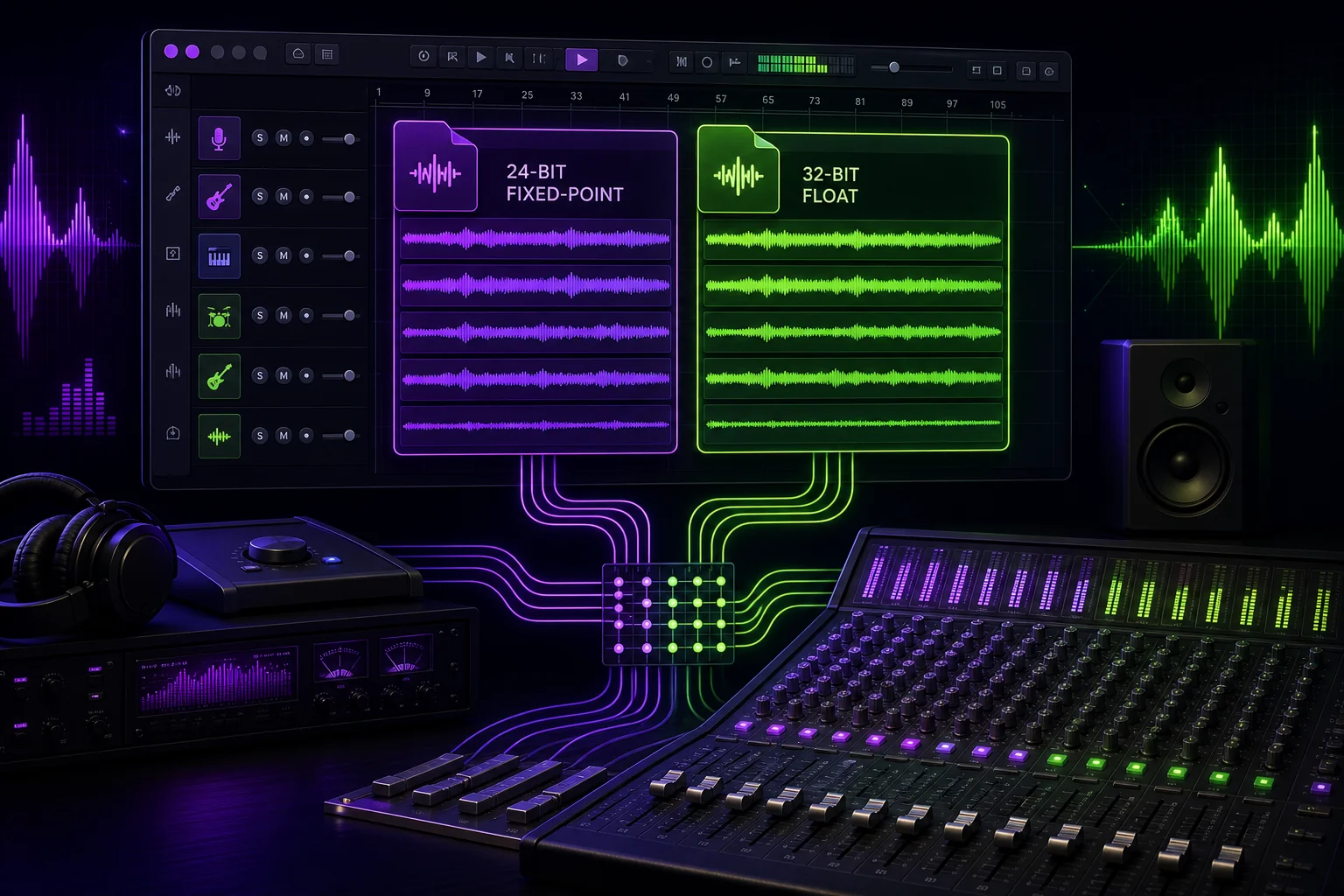
Your song is ready for mixing. Then the export window asks: 24-bit PCM or 32-bit float?
The practical answer is simple. Send clean 24-bit PCM files at the project’s existing sample rate unless your mixer requests or approves 32-bit float. Float can be useful in specific workflows, but it does not automatically make a stem sound better. Before choosing, confirm what you are exporting, how it was processed, and what your mixer can import.
Start With the Handoff: Stems or Multitracks for a Remote Mixer
First, confirm what your mixer means by “stems.”
A stem is a grouped export, such as all drums, all backing vocals, or all guitars. A multitrack delivery contains the individual tracks needed to rebuild the mix. That might include kick, snare, hi-hat, bass DI, lead vocal, doubles, and separate guitar tracks.
The distinction matters more than the bit-depth menu.
Imagine a vocal-led pop session. Sending a single DRUMS.wav stem gives your mixer control over the drum group, but not over the kick and snare independently. Sending individual drum tracks provides more control. It also creates a larger handoff with more files to label, check, and transfer.
Ask your mixer:
- Do you need grouped stems or individual multitracks?
- Do you want dry tracks, processed tracks, or both?
- Should creative effects be printed?
- Which file format, bit depth, and sample rate do you prefer?
- Can your system import 32-bit float files reliably?
Use the full stems vs multitracks delivery guide if the requested deliverables are unclear.
This article focuses only on exported audio sent to a third party. It does not compare recording formats or recommend settings for audio capture.
24-Bit PCM vs 32-Bit Float: What the Formats Actually Mean
24-bit PCM is a fixed-point audio format. 32-bit float is a floating-point storage format.
That wording is important. The exported file format is not necessarily the same as the format used during recording or inside the DAW’s mix engine.
A Gearspace moderator describes 32-bit float as a storage format and says that current DAW and converter setups capture audio in fixed 24-bit. Participants in the same discussion note that a DAW may then process audio internally using floating-point calculations. Some workflows cited in the discussion use a 64-bit floating-point mix engine.
In practical terms, your session can contain audio captured as 24-bit fixed-point files while the DAW performs its internal mixing at floating-point precision. You do not need to export 32-bit float just because the DAW processes the session that way.
It also helps to separate three decisions:
- Capture format: How the original recording was stored.
- Internal processing: How your DAW handles mixing and gain calculations.
- Delivery format: What you export and send to the mixer.
The third decision is the one that matters here.
Suppose your lead vocal was recorded into a 24-bit session, edited, and routed through a floating-point DAW engine. You can still deliver a clean 24-bit PCM vocal file. Exporting it as 32-bit float does not turn the original capture into something newly recorded at a different resolution.
When 32-Bit Float Helps—and When It Does Not
32-bit float is useful when the exported file must preserve the results of floating-point gain or processing for further work.
According to the Gearspace discussion, it can be particularly useful during repeated offline rendering or when gain structure is not well controlled. A participant also explains that floating-point gain and rendering can preserve sample resolution during those operations. By contrast, that participant says reducing a fixed 24-bit signal by 6 dB corresponds to losing one bit of resolution.
Consider an editor who receives a processed dialogue or music track, applies more gain changes, renders it, sends it to another editor, and repeats the process. Keeping the intermediate files in float may avoid unnecessary fixed-point conversions during that chain.
A remote mix handoff is often simpler. You finish the edit, export each approved track once, and send the package to the mixer. If every file is clean and correctly leveled, 24-bit PCM is a sensible delivery format.
Float also has clear limits.
It cannot restore clipping already printed into the audio. If a vocal distorted before or during an earlier fixed render, placing that damaged file inside a 32-bit float container does not undo the distortion. It cannot recover detail already lost in a previous conversion either.
Do not use float as an excuse to skip quality control. Audition the exports. Check loud sections. Make sure a processed bass track or vocal print is not already clipped. The mixer needs usable audio, not a technically flexible container holding a broken render.
Delivery Trade-Offs: Headroom, Dither, Storage, and Compatibility
The choice affects more than the label shown in your export window.
Headroom and further processing
Float is useful when additional offline processing or uncertain gain changes are expected. That does not mean every remote mixer needs it. Ask what will happen after delivery rather than choosing the format from habit.
If your mixer intends to import clean multitracks and start mixing, 24-bit PCM may be all they want. If the source is already float and more offline processing is planned, preserving float may be appropriate.
Dither and conversion
A Gearspace participant states that conversion from 32-bit float to fixed 24-bit requires dithering. This is another reason not to create a float file only to convert it immediately before delivery.
Decide on the handoff format before the final export. Then create the requested files directly when your workflow allows it. Avoid a chain such as float export, fixed-point conversion, re-import, gain adjustment, and another export.
The cleaner route is usually the boring one. That is a compliment.
Storage and transfer
A moderator in the same Gearspace discussion estimates that 32-bit float requires roughly one-third more storage for a straightforward record-to-mix workflow.
That difference becomes more noticeable when the package contains many full-length files. A single vocal stem is one thing. A complete multitrack session with individual drums, layered guitars, vocal stacks, effects returns, and print tracks is another.
Larger files can affect upload time, download time, shared storage, and the long-term archive. Float may still be the correct choice, but the extra data should serve a workflow need.
Compatibility
Do not assume that your mixer’s DAW, import process, or supporting tools will handle every float file as expected. Confirm compatibility before exporting the whole session.
Send a test file if necessary. Your mixer can import it, place it at the correct start point, and verify that it behaves properly. That small check is preferable to discovering an incompatibility after the complete package has been uploaded.
If you are unsure whether your DAW command will render the desired material, review the difference between a bounce and an export before creating the delivery.
A Practical Decision Rule for Sending Files to a Remote Mixer
Use this default:
Send clean 24-bit PCM files at the project’s existing sample rate unless your mixer explicitly requests or approves 32-bit float.
Choose 24-bit PCM when:
- The mixer has not requested another format.
- Your stems or multitracks are final, clean exports.
- You are making a straightforward handoff for mixing.
- You want to avoid an unnecessary float-to-fixed conversion later.
- Compatibility and manageable transfer size matter.
Choose 32-bit float when:
- The source file is already float and converting it serves no purpose.
- Further offline gain changes or repeated renders are expected.
- Protection during uncertain gain processing matters to the workflow.
- Your mixer confirms that float is wanted and supported.
Do not choose 32-bit float merely because your DAW mixes internally at floating-point precision. As the Gearspace discussion notes, a DAW can process fixed 24-bit source files within a floating-point mix engine. Internal precision and delivery format are related, but they are not the same setting.
When in doubt, send your mixer a short message before exporting:
“The session is at its original sample rate. I can deliver clean 24-bit PCM or preserve 32-bit float. Which do you prefer?”
That question prevents a lot of unnecessary conversion.
No-Conversion Handoff Checklist: Send Stems the Mixer Can Use
Use this checklist before uploading the package.
Confirm the technical request
- Confirm whether the mixer wants stems or individual multitracks.
- Confirm the requested file format.
- Confirm the requested bit depth.
- Confirm the sample rate.
- Verify that the mixer can import 32-bit float if you plan to use it.
- Decide the format before the final export.
Export without unnecessary conversion
- Keep the project’s existing sample rate unless the mixer asks for another.
- Export directly to the agreed bit depth when possible.
- Do not convert files back and forth between fixed-point and float.
- Check that clipping or distortion is not already printed.
- Preserve the original song start point.
- Preserve complete reverb, delay, and instrument tails.
- Make every delivered file the same length.
For a deeper export review, use the remote mixing stem preparation checklist.
Make the files understandable
- Label mono and stereo files clearly.
- Use consistent track names.
- Separate files into clear folders.
- Include BPM, tempo changes, and key.
- Include a rough mix.
- Include a reference bounce.
- Explain which effects are printed.
- Identify dry alternatives and print tracks.
- Remove abandoned drafts from the delivery folder.
A name such as LeadVocal_Print_Stereo.wav is useful. Audio_47_new_FINAL.wav is an invitation to email you.
Verify the package
- Import the exported files into an empty session.
- Place them at the shared start point.
- Play them together and compare the result with your reference.
- Confirm that nothing is missing, shifted, truncated, or duplicated.
- Calculate or verify file integrity.
- Put everything into one versioned package.
- Send one approved package rather than several competing folders.
If this mix will later move to mastering, the mix delivery checklist for a mastering engineer helps you prepare the next handoff without rebuilding the package from memory.
The bottom line: choose the format around the receiving workflow, not the largest number in the export menu. Clean 24-bit PCM at the project sample rate is the default. Use 32-bit float when the existing source or planned processing justifies it and your mixer confirms compatibility.
Whichever format you choose, keep the files, notes, feedback, and approved version together. A shared music project workspace makes that handoff easier to review—and makes “which version did you send me?” a less frequent studio question.