Music File Naming Conventions: Team Template
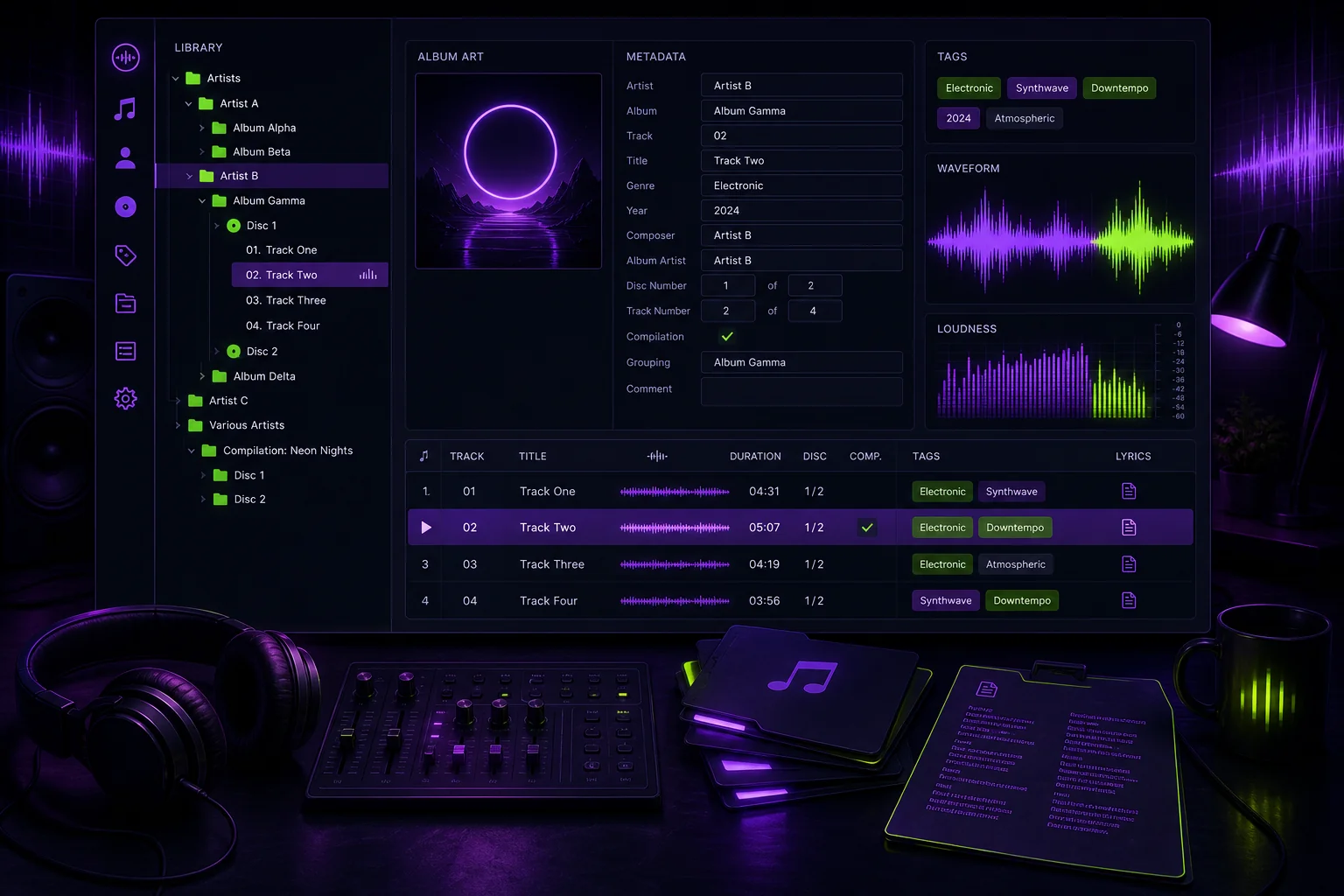
A file called mix final FINAL 2.wav tells your collaborator almost nothing. Which song is it? Which revision? Is it approved? Music file naming conventions solve that problem before it reaches your DAW, shared drive, or mix engineer. Use one strict template for every take, edit, stem, and bounce:
Artist_Song_BPM_Key_Version_Date.ext
The goal is not administrative perfection. It is being able to identify the right file without opening five nearly identical exports.
1. Why Your Team Needs One Music Filename Rule
Your DAW organizes tracks inside a session. It does not automatically organize everything that happens outside that session.
A vocalist sends takes through a shared folder. A producer exports a new instrumental. The mix engineer returns another mixdown. Someone downloads those files and moves them elsewhere. Without a shared naming rule, useful context disappears.
That is how a project accumulates files such as:
A clear filename should answer the immediate handoff questions:
- Which artist and song does this belong to?
- What are the confirmed BPM and key?
- What kind of file is it?
- Which version is it?
- When was it created or delivered?
This rule belongs inside your broader music production workflow. Apply it when files leave the DAW, not several weeks later when nobody remembers what Audio 37.wav contains.
Filenames and metadata serve different purposes. Library platforms often prioritize embedded metadata. Jellyfin says filenames generally matter less because it retrieves information from embedded metadata. However, it may use the filename as the track title when other metadata is missing.
Production files also travel beyond media libraries. They appear in download folders, cloud storage, DAW import windows, archives, and messages. A human-readable filename keeps its context in all those places.
2. Adopt This Strict Template: Artist_Song_BPM_Key_Version_Date
Use this base pattern:
For example:
Do not let every collaborator interpret the fields differently. Define them in the project brief.
Artist
Use one canonical artist name throughout the project.
For a collaboration, choose one approved combined form and keep it unchanged:
Do not alternate between Maya, Maya Music, and Maya feat Leon unless those names identify genuinely different projects.
Song
Use the agreed song title. Replace spaces between the main filename fields with underscores. Use hyphens within a field when needed.
Avoid changing the title midway through the project without also renaming the related files.
BPM
Write the confirmed tempo as an integer:
If the tempo is not confirmed, use:
UNK means unknown. It is clearer than entering a guess that later gets treated as project truth.
Key
Pick one key notation and publish it in the team brief. For example:
Do not mix F# minor, F#m, and FsharpMin in the same project. If the key is not confirmed, write:
Version
Use a lowercase v followed by a zero-padded revision number:
Increase the version whenever you deliver a changed file. Never replace a version number with new, latest, or final final.
For production files, the version block can include an approved type token before the revision:
Date
Use the sortable format:
Example:
The full filename therefore remains readable and predictable:
3. Before-and-After Examples for Takes, Edits, Stems, and Bounces
The same naming logic should cover every production stage. Add only approved type tokens. Do not invent a new abbreviation during each export.
General bounce
Before:
After:
This is acceptable when the folder already establishes the file type. For a handoff, adding a type token is clearer.
Vocal take
A take is one recorded performance or attempt.
Before:
After:
TK07 identifies the recorded take. v01 identifies the first delivered version of that take. If the vocalist cleans breaths or trims the file without recording a new performance, keep TK07 and increase the revision.
Edit
Use EDIT for a comp, timing edit, tuning pass, or other edited file when a more specific token has not been approved.
Describe the exact edit in the project notes rather than making the filename an essay.
Stem
A stem is a grouped audio export, such as all bass elements or all backing vocals.
Before:
After:
Other examples include:
Maya_RunningHome_124_FsharpMin_STEM-Drums_v02_2026-08-04.wav
Maya_RunningHome_124_FsharpMin_STEM-BGV_v02_2026-08-04.wav
Mix and alternate exports
Before:
After:
Use a controlled token list:
TK##— recorded takeEDIT— edited audioSTEM-Name— grouped stemMIX— full mixdownINST— instrumentalACAP— a cappella vocal exportMASTER— approved mastered file
A filename is not a substitute for actual music version control. Keep earlier revisions available and attach feedback to the correct version. Otherwise, v05 is just a label with no useful history behind it.
4. Apply the Same Convention Across a Practical Folder Structure
Pair predictable filenames with predictable folders:
A mix delivery could then use this complete path:
The folder shows the production stage. The filename preserves the identity if someone downloads or moves the file.
Keep the same root structure in shared storage and local working folders. A remote mixer should not have to decode a completely different hierarchy after downloading the handoff.
Folder requirements vary in music-library software. Emby does not require a specific folder structure in version 4.6 and later. It recommends Artist\Album\Track, but also accepts Album\Track or a flat library. Jellyfin says each album should have its own folder, although albums can otherwise be organized freely.
Those rules address music libraries. Your production structure has a different job: keeping active takes, edits, stems, mixes, and masters separate while preserving a searchable project trail.
5. Metadata, Compatibility, and Character Rules: Filename Is Not Enough
A filename is visible context. Metadata is structured context used by compatible software. Maintain both.
Before a formal handoff, check the applicable embedded or accompanying project metadata:
- Artist
- Title
- Album or project
- BPM
- Key
- Track number
- Disc number
- Sample rate
- Bit depth
Do not assume that writing a track number into a filename updates its metadata. Emby reads track numbers from embedded ID3 tags rather than filenames. For compilation albums, Emby also requires matching album and album artist fields across the tracks for correct grouping.
Emby recommends writing tags in Unicode or removing old tags before rewriting the metadata. This helps avoid leaving contradictory legacy information inside the files.
Keep filenames portable too. Jellyfin warns that these special characters can cause filename problems:
Ban them from your production naming guide. Replace punctuation with an approved word, hyphen, or nothing.
For example:
becomes:
Also preserve the actual audio extension. Renaming .wav to .flac does not convert the audio format. Use your DAW or an appropriate export process when a different format is required.
6. Team Validation: Rename, Review, and Enforce Every Delivery
A convention works only when the whole team applies it. Add the following rollout to your next project:
- Put the filename template in the project brief.
- Publish a short list of approved type tokens.
- Define the canonical artist name, song title, BPM notation, and key notation.
- Rename existing files inside a staging folder before moving them into the active project.
- Check for duplicate revision numbers and missing fields.
- Verify filenames and metadata before every delivery.
- Assign final naming approval to one person.
Do not rename legacy files directly inside the only copy of a project. Stage the changes, review them, and then replace the disorganized set. Keep a backup during the cleanup.
Reject ambiguous deliveries consistently:
Replace them with a compliant name:
If BPM or key comes from detection software, treat it as a starting point. Verify it before adding it to the canonical filename. This BPM and key verification workflow explains how to check stems before a remote handoff.
The system is simple on purpose. One template, one token list, and one review step remove ambiguity from takes through masters. Combined with a shared project workspace and real version history, clear filenames make every upload easier to search, review, and hand off—without another message asking, “Which version did you send me?”