Skip to content

SoundisiaK Studio Blog

Product announcements, deep dives into collaborative music production, and engineering notes from the One-Click-Flare team.

Want to start making music together? Head over to soundisiak.studio — or discover how the platform takes you from idea to master and lets you share your music without headaches.

SoundisiaK Studio: the BandLab alternative for teams on real DAWs

If you're searching for a BandLab alternative, chances are you didn't stop liking BandLab — you outgrew the way it works. BandLab is a free, social-first platform where the music is made inside its own browser and mobile editor. SoundisiaK Studio starts from the opposite premise: you already make music in Logic, Ableton, Pro Tools or FL Studio, and what you need is a private, professional home for the collaboration around it — version control, roles, feedback and workflow tracking.
SoundisiaK Studio: the Soundtrap alternative when you've outgrown the browser DAW

If you're weighing a Soundtrap alternative, you probably know exactly what Soundtrap is: Spotify's online studio, a DAW that runs in the browser where several people can record and edit the same project together — hugely popular in classrooms and for quick collaborative sketches. SoundisiaK Studio solves the same underlying problem — making music together, remotely — from the other direction: you keep your real desktop DAW, and SoundisiaK becomes the shared home for the sessions, versions, feedback and workflow around it.

SoundisiaK Studio: the Splice alternative for what Splice stopped doing

People searching for a Splice alternative usually mean one of two very different things. Some want a different royalty-free sample library — that's Splice's core business today, and SoundisiaK is honestly not that. But many remember the other Splice: Splice Studio, the tool that backed up your DAW projects to the cloud, versioned every save and let you collaborate on them — and which Splice retired to focus on sounds. If that's the Splice you're trying to replace, this page is for you.

Stems vs Multitracks: What to Send

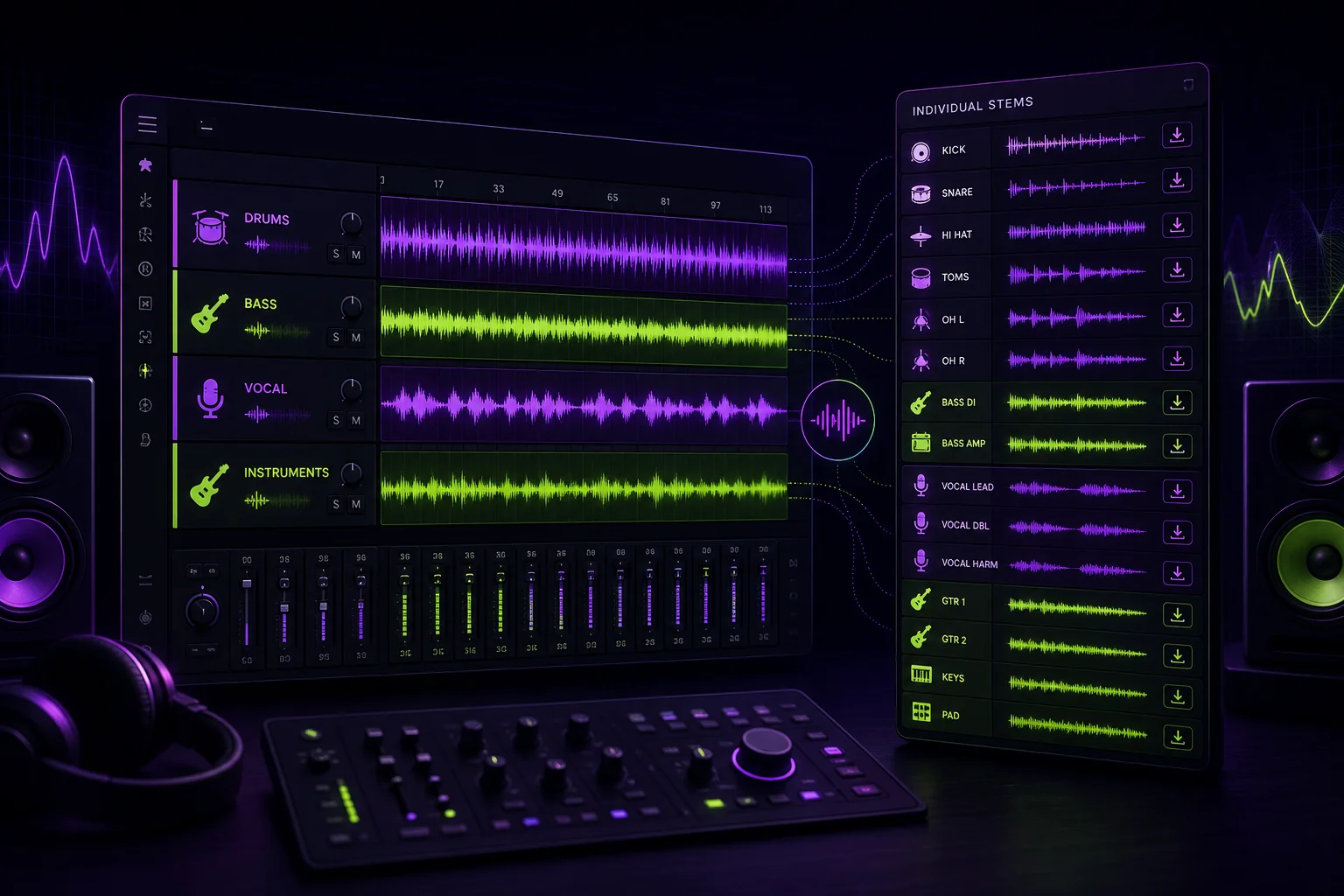
Stems vs multitracks explained with grouped audio stems and individual tracks prepared for mixing and mastering.

If someone asks you for stems, do they want grouped instrument files or every recorded track? Those are different deliveries. Send the wrong one and your collaborator may lack the control needed to finish the job.

Cloud Storage for Musicians: What Matters for Sessions

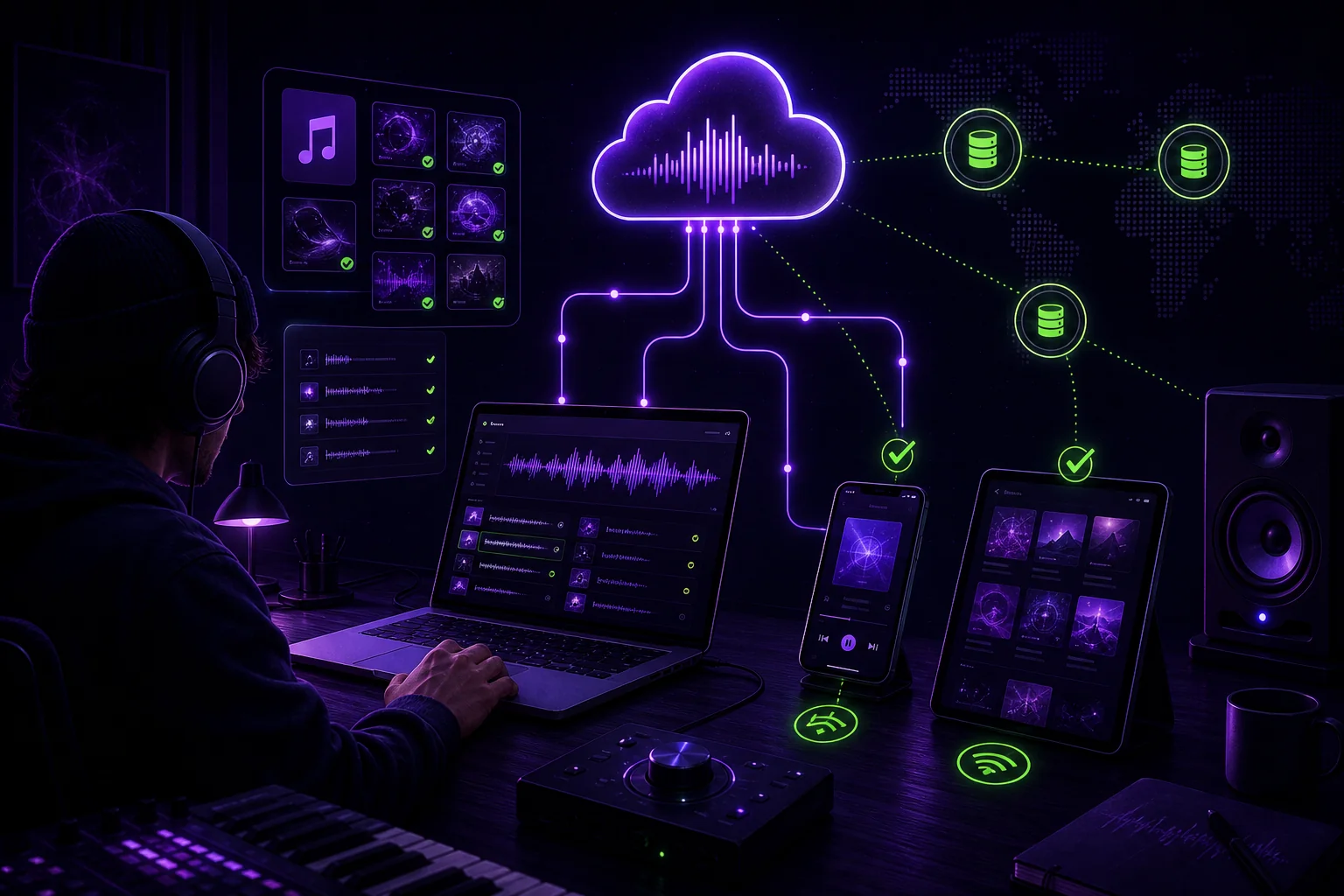
Cloud storage workspace for musicians: stems, DAW sessions and version history synced across devices

Cloud storage for musicians is not just about putting audio files online. A production session includes the DAW project, recorded files, stems, exports, notes, samples, and sometimes plug-in dependencies. If one part is missing, your collaborator may open an empty timeline and a headache.

How to Choose a Music Collaboration Platform (For How You Actually Make Music)

You're looking for a music collaboration platform. You've Googled it. You've found listicles with ten options, comparison tables with checks and crosses, and a Reddit thread where someone swears by a tool you've never heard of. None of it helps because none of it starts with the question that actually matters: how do you make music?

A guitarist who records stems and sends them to a mixer needs something different from a label A&R tracking 30 demos. A band writing an album across three time zones has different needs from a producer hiring session musicians for one track. The right tool depends on your workflow — not on a feature comparison table.

This guide walks through five common collaboration scenarios, what tools actually matter for each, and how to avoid paying for features you'll never use.

The 7 Best Music Collaboration Platforms in 2026 (Honest Comparison)

Not every music collaboration platform is built for the same job. Some are designed for quick file sharing between bandmates. Others are full production hubs that track versions, manage permissions, and keep your creative process moving. This guide compares seven platforms across the features that actually matter — not the marketing bullet points.

We tested each platform on five criteria: lossless streaming, version control, per-track permissions, workflow tracking, and DAW project sharing. Here's where they land.

DAW Project Sharing: How to Send Sessions That Actually Work

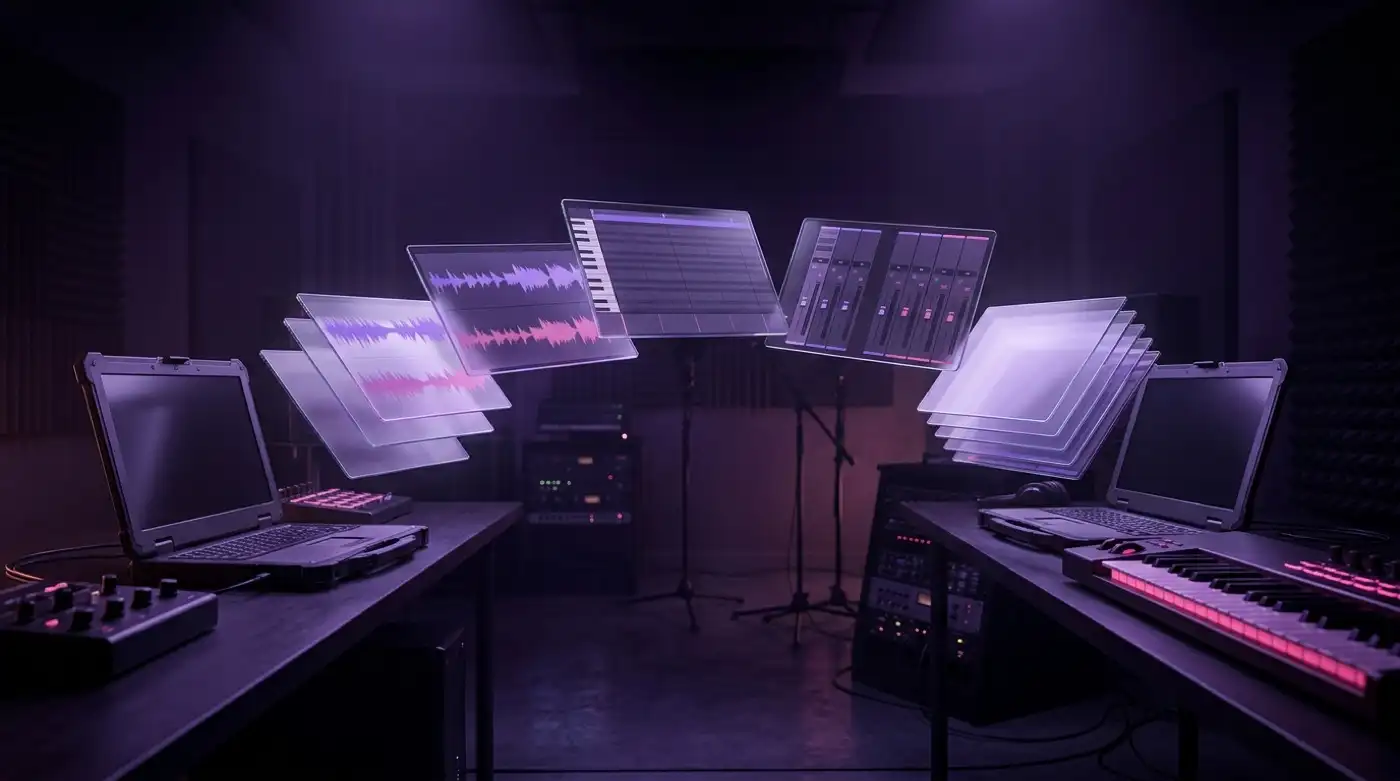
A DAW session split into floating translucent layers — waveforms, piano roll, mixer strips — travelling in an arc of light from one studio desk to another

You've been there. You export your Ableton project, zip it, upload it to Drive, send the link. Your collaborator downloads it, extracts it, opens it — and half the samples are missing. The plugin you used isn't installed on their machine. The audio files didn't get collected. They message you: "It says 'media files are missing.'"

Now you're troubleshooting tech instead of making music.

DAW project sharing — sending Logic, Ableton, Pro Tools, or FL Studio sessions between collaborators — is one of those things that should be simple and almost never is. It's the most overlooked part of music file sharing, and it breaks more often than any other step in the collaboration chain. This guide covers how to do it right — DAW by DAW, format by format — so you send sessions that open on the first try.

AI Music Is Everywhere in 2026 — Here's Why Human Collaboration Still Wins

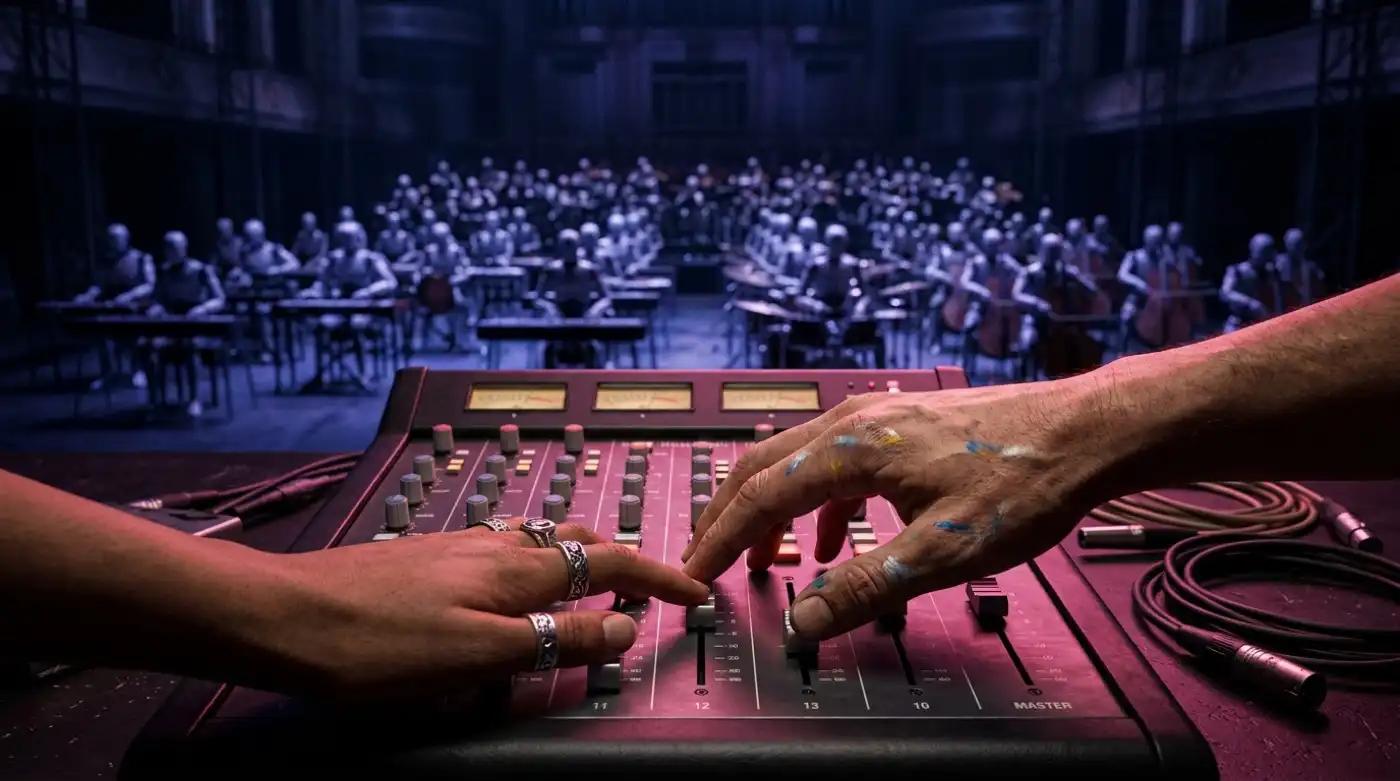
Endless rows of identical robot musicians blurred in cold light, while two human hands meet in sharp warm focus on the same fader of a mixing console

Two headlines landed in the same 24-hour window last week. The first: Deezer revealed that 43% of new users' playlists contain AI-generated music. The second: Mureka became the first "AI-native" music platform, promising to close the loop from AI creation to AI-powered listening.

Depending on your perspective, this is either the most exciting or the most terrifying time to be a music producer. But buried in the data — and in the reaction from the industry — is a more interesting story: the tools for human collaboration are growing faster than the tools for AI replacement.

Here's what the numbers actually tell us.

Music Version Control: How to Stop Losing Takes Forever

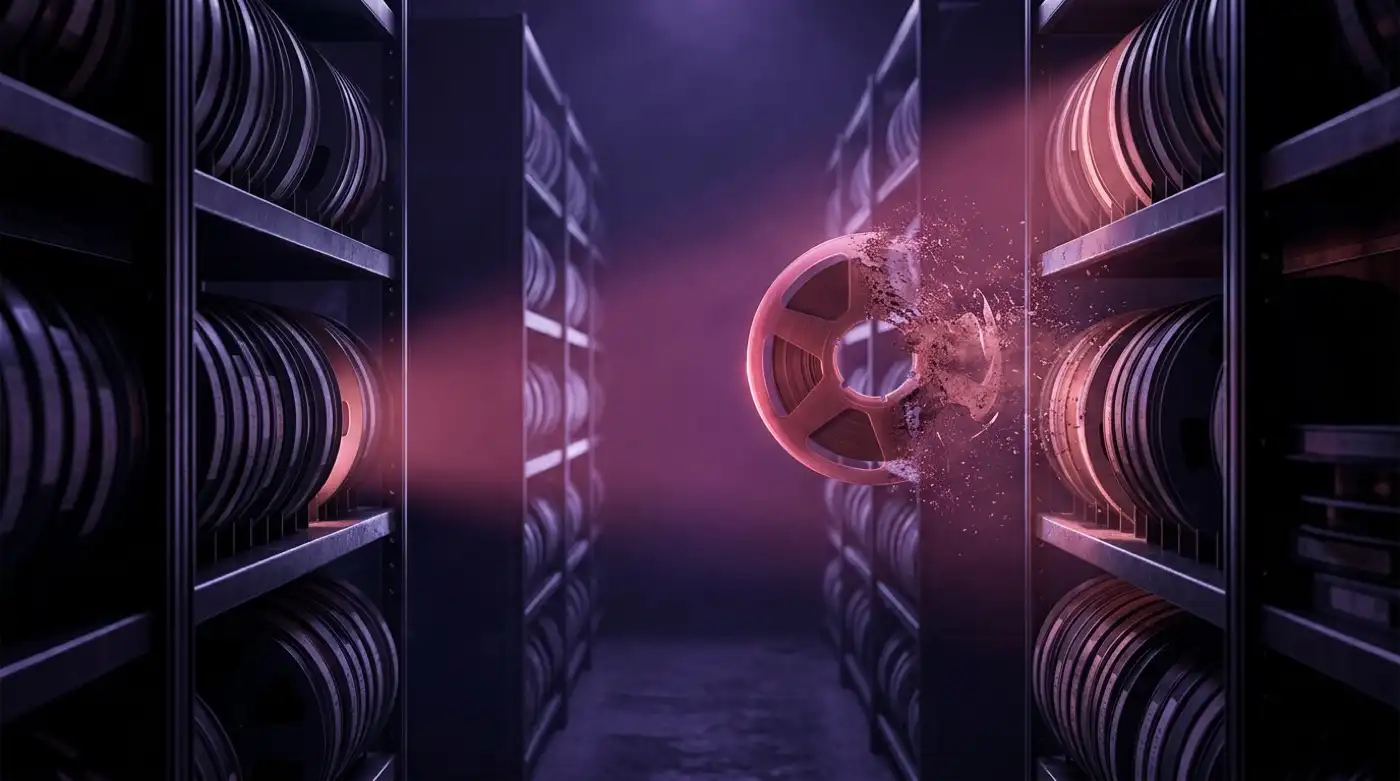
In a dark archive of glowing audio reels, one tape is caught by a warm beam of light at the instant it starts crumbling into dust — version control rescues takes before they are lost

You record a bass line at 2 AM. It's rough, but there's something in it — a groove you know you'll use. You save it as bass_idea_3.wav and go to sleep. Three weeks later, you can't find it. It's buried in a folder called exports_march, between kick_sample_test.wav and a stray screenshot.

That take is gone. Not because you deleted it — because your file system ate it.