Skip to content

2026

DAW: What It Is and How to Choose One
Digital audio workstation software on a computer screen for recording, editing, arranging, and producing music.

A DAW is where a song becomes a project you can finish. It lets you record performances, arrange sections, edit mistakes, shape the mix, and export the result. The difficult part is not finding options. It is choosing one without comparing endless features you may never use. Start with the work you need to do, then check compatibility, workflow, and cost. That is enough to make a sensible first choice.
Mix Delivery Checklist for Mastering Engineers

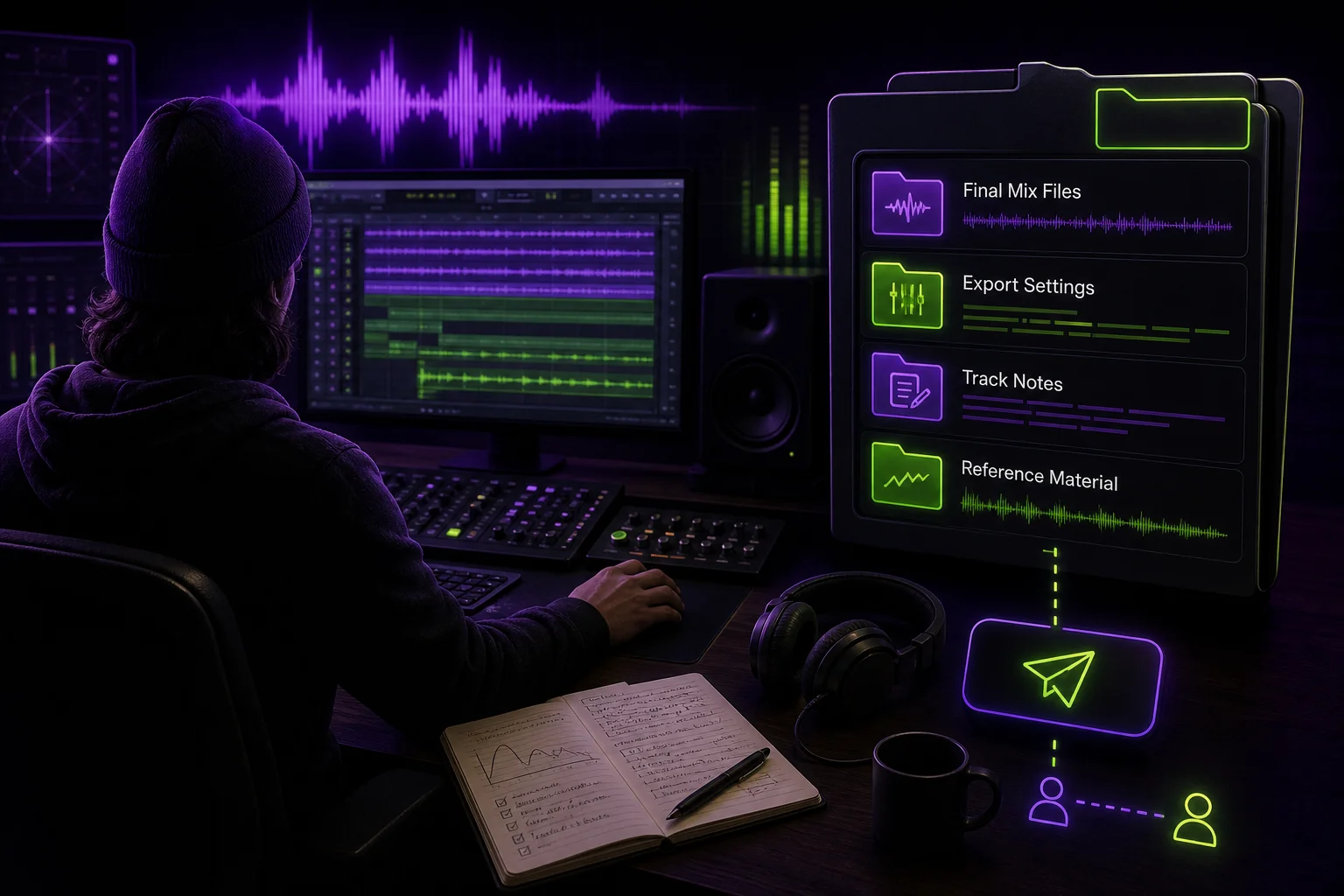
Mix delivery checklist showing an audio engineer preparing organized mix files and notes for a mastering engineer.

The final mix handoff should not feel like a last-minute file dump. Your mastering engineer needs the approved mix, clear references, useful notes, and confirmed technical requirements. Otherwise, the session can start with a basic question: which version did you send me?

Cloud Storage for Musicians: What Matters for Sessions

Cloud storage workspace for musicians: stems, DAW sessions and version history synced across devices

Cloud storage for musicians is not just about putting audio files online. A production session includes the DAW project, recorded files, stems, exports, notes, samples, and sometimes plug-in dependencies. If one part is missing, your collaborator may open an empty timeline and a headache.

Online Music Studio Setup: The Gear and Tools You Actually Need

You don't need a $10,000 studio to make music that sounds professional. You need the right setup for your workflow — and if you're collaborating online, that means a few things most home studio guides leave out. This guide covers the gear, the software, and the collaboration layer that turns a bedroom setup into a real online music studio.

How to Choose a Music Collaboration Platform (For How You Actually Make Music)

You're looking for a music collaboration platform. You've Googled it. You've found listicles with ten options, comparison tables with checks and crosses, and a Reddit thread where someone swears by a tool you've never heard of. None of it helps because none of it starts with the question that actually matters: how do you make music?

A guitarist who records stems and sends them to a mixer needs something different from a label A&R tracking 30 demos. A band writing an album across three time zones has different needs from a producer hiring session musicians for one track. The right tool depends on your workflow — not on a feature comparison table.

This guide walks through five common collaboration scenarios, what tools actually matter for each, and how to avoid paying for features you'll never use.

Music Label Management Software: How to Run a Label Without Spreadsheets and DMs

Three luminous conveyor streams — contracts, vinyl records, waveforms and faders — converging into a single glowing desk in a dark room, one chair waiting behind it

Most independent labels start the same way: a spreadsheet for tracking releases, a WhatsApp group for artist comms, a Dropbox folder for demos, and an A&R manager who holds it all together through sheer force of will.

This works when you have three artists and six tracks. It collapses when you have ten artists and thirty tracks — each at a different stage, each with different collaborators, each needing different access.

Music label management software exists to solve this. But the category is fragmented: some tools focus on royalties and accounting, others on catalog management, others on the creative pipeline. This guide breaks down what's available, what actually matters for labels, and where the gaps still are.

The 7 Best Music Collaboration Platforms in 2026 (Honest Comparison)

Not every music collaboration platform is built for the same job. Some are designed for quick file sharing between bandmates. Others are full production hubs that track versions, manage permissions, and keep your creative process moving. This guide compares seven platforms across the features that actually matter — not the marketing bullet points.

We tested each platform on five criteria: lossless streaming, version control, per-track permissions, workflow tracking, and DAW project sharing. Here's where they land.

How to Give Feedback on Music Tracks (That Producers Actually Use)

Every producer has received this note: "It feels a bit off. Can you make it pop more?"

No producer has ever found that note useful.

Giving good feedback on music is a skill. It's not about having perfect ears or knowing the technical vocabulary — it's about being specific, actionable, and anchored to what you're actually hearing. This guide covers how to do it, whether you're a label A&R, a bandmate, or a collaborator.

Music Production Software for Teams: The 2026 Buyer's Guide

You're not looking for a DAW. You already have one — probably several, because your guitarist uses Logic, your producer uses Ableton, and your beatmaker won't touch anything but FL Studio. What you're looking for is the layer that sits above the DAW: the tool that lets everyone work together without forcing them onto the same platform.

This guide is for bands, labels, production houses, and any group of people who need to make music together without being in the same room — or the same app.